
Switching Yale locks from SmartThings to Yale Access/Home
Please follow these instructions to switch your lock from SmartThings platform to Yale- Remove lock from SmartThings app
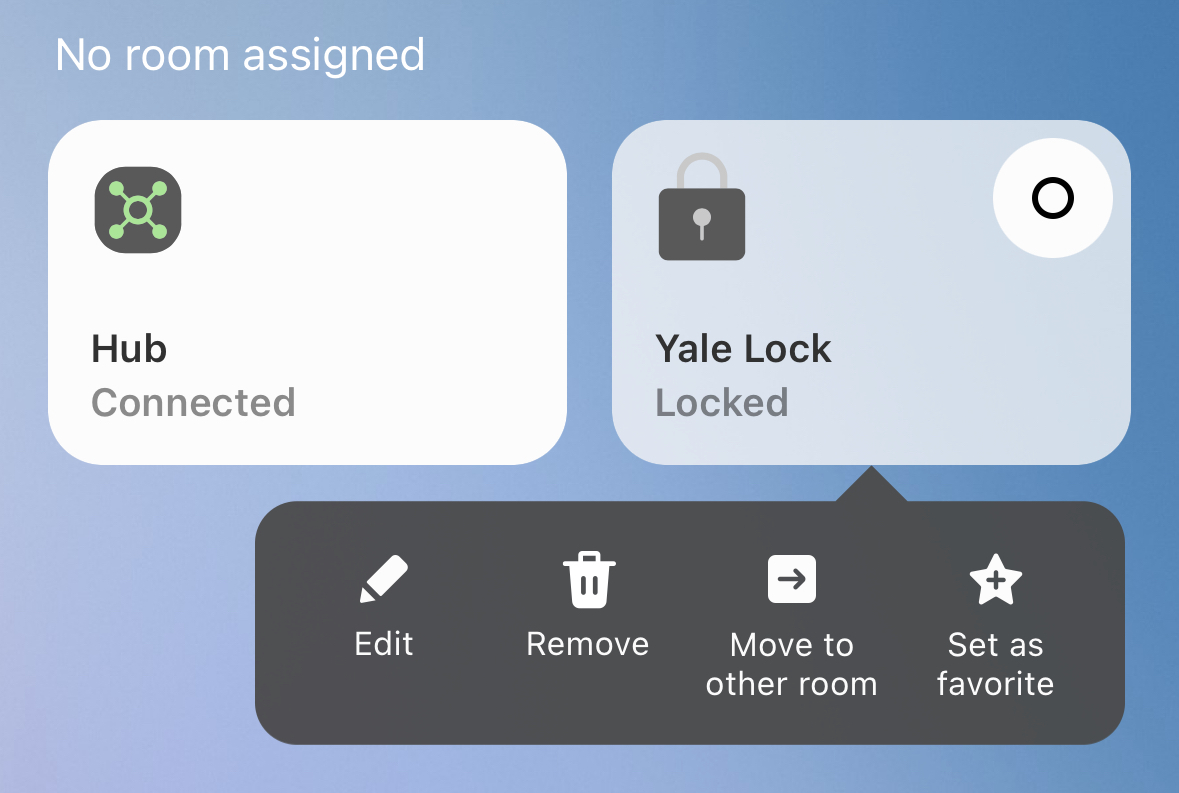
- Press and hold your lock in the SmartThings app
- Click on the Remove button - this will put your hub in Z-Wave Exclusion Mode
- Put your lock in Z-Wave Exclusion Mode
- Master Code → Gear → 7 → Gear → 3 → Gear
- For UK: Master Code → # → 4 → # → 3 → #
- Remove the z-wave module and batteries.
- Put the Yale module and batteries in the lock.
- Clear all codes installed by SmartThings
- Master Code → Gear → 2 → Gear → 3 → Gear → 0 → 0 → Gear → Gear
- Follow the Yale setup process
- Reach out to Operto Support and ask them to switch the lock from SmartThings to Yale