
[August/Yale Access] Troubleshooting Intermittent Lock/Lock is offline
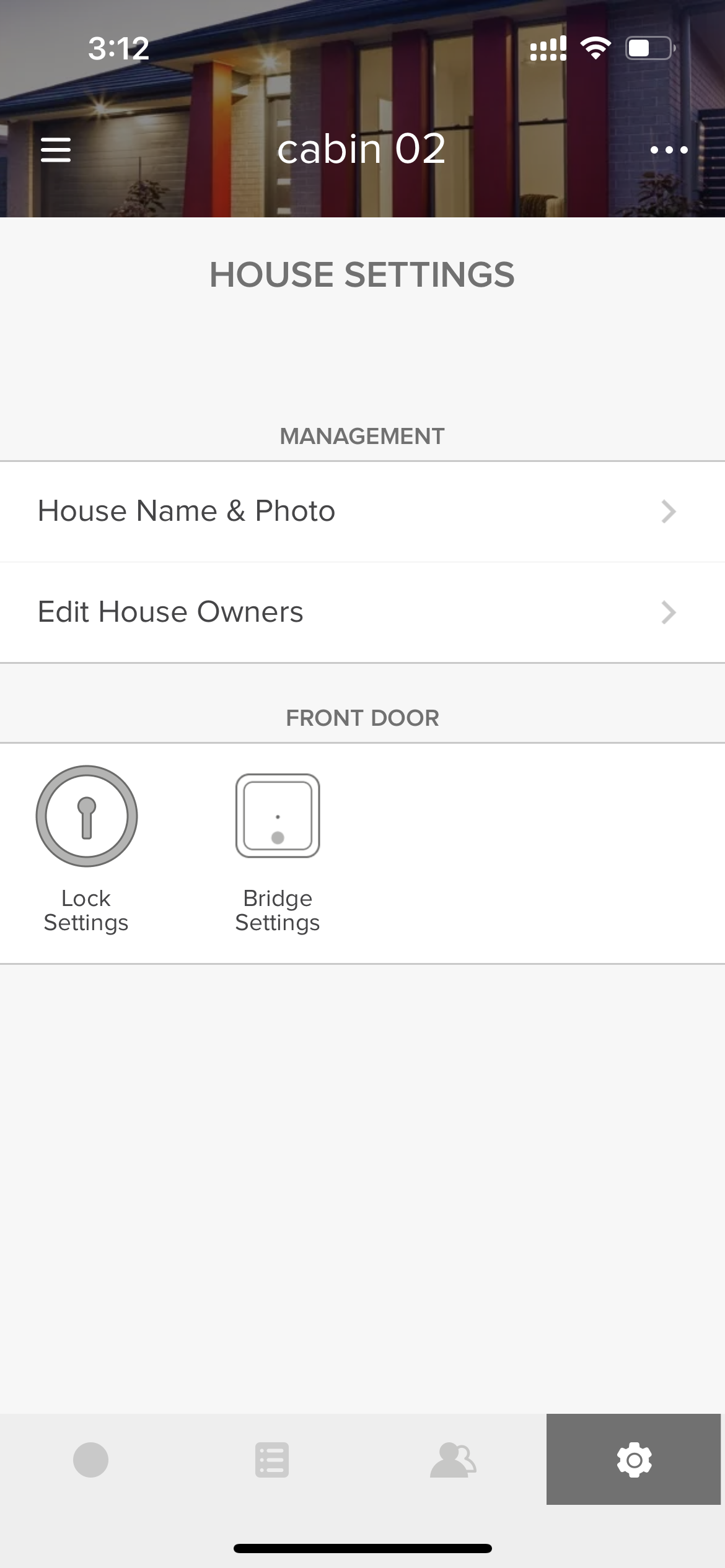
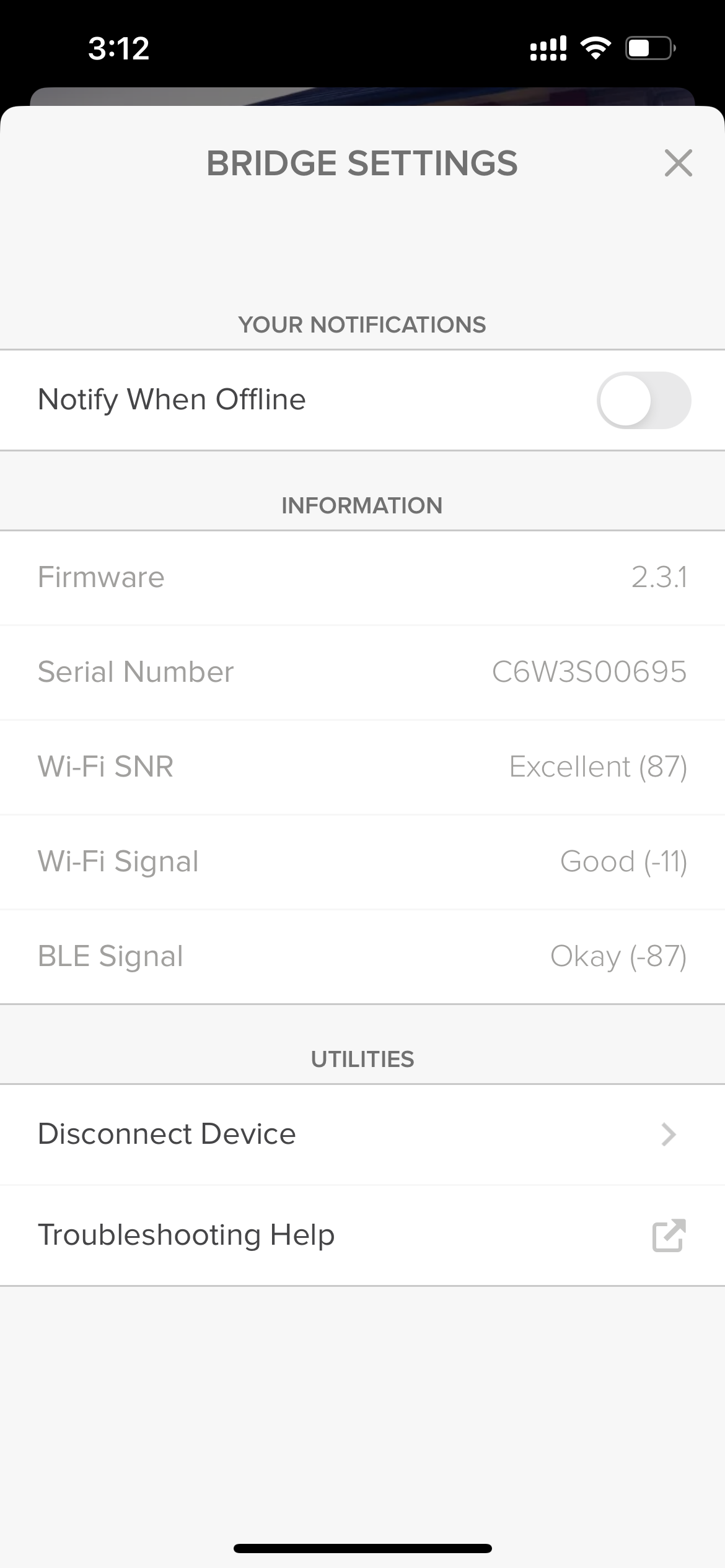
As you can see in the screenshot above, currently the Connect Bridge has a good WiFi signal Excellent Wifi SNR (Signal to Noise Ratio), and an okay Bluetooth signal. If it is your Bridge that is going offline, you would see all three of them as offline. Otherwise, you would still see signal strength but the lock will be offline/unavailable.
If the Lock is going offline, we would advise you to
- bring the Connect Bridge closer to the lock.
- make sure the lock and the Connect Bridge are not close to any heavy metal objects, glasses, or electrics that could interfere with the signal
If the Connect Bridge is going offline, we would advise you to:
- bring the Connect Bridge closer to the Wifi
- bypass power bars
- try a different power outlet
- make sure the Connect Bridge and the wifi router are not close to any heavy metal objects, glasses, or electrics that could interfere with the signal
- check if other devices are also going offline at the same time (if they are, it might be a wifi issue)
If your Wifi SNR is not good, we would advise you to:
- try a different power outlet
- make sure the Connect Bridge is not close to any heavy metal objects, glasses, or electrics that could interfere with the signal