Request for integration
1. Please login to your Smoobu Account
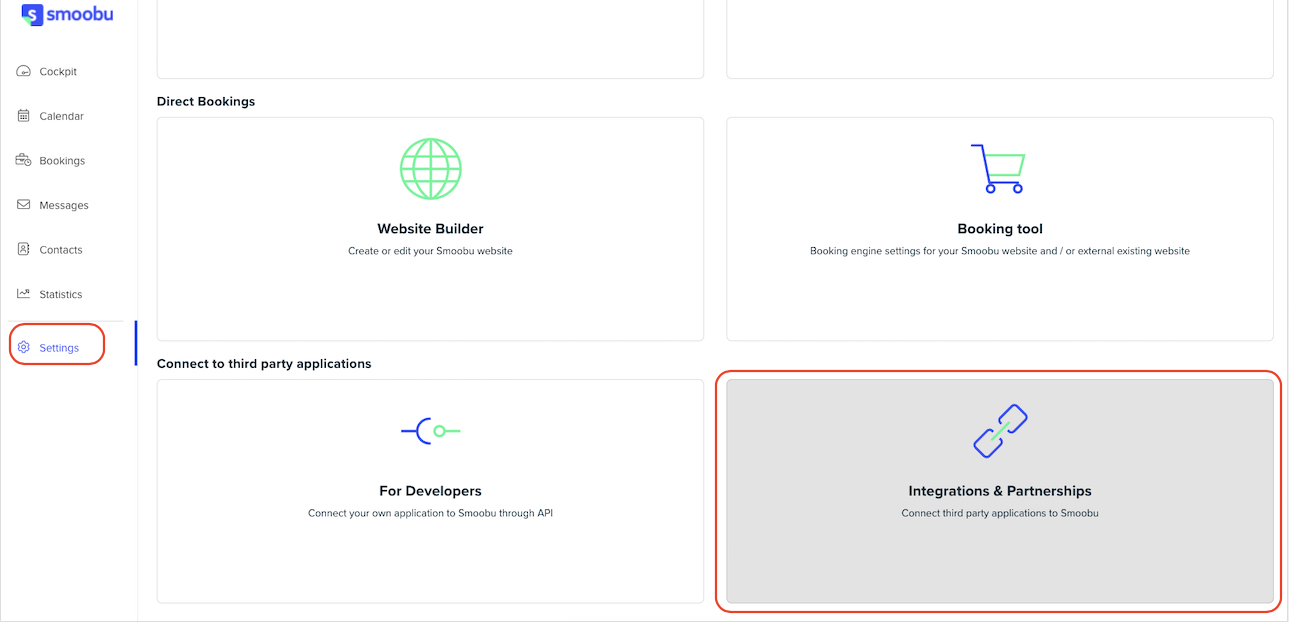
2. Under Settings -> Integrations & Partnerships, you will find Operto (online check-in category)
3. Click "Connect"
4. Copy your API Key from Smoobu and send it to support@operto.com
Please note, that you will need to enter the address for each of your units (accommodations) for Operto to be able to display them on your dashboard.
To set up your Guest Messaging in your Smoobu account
In order for your guests to automatically receive their access codes, you will need to configure your message settings in your Smooobu dashboard
- Navigate Smoobu > Settings > Communication > Create Message Templates
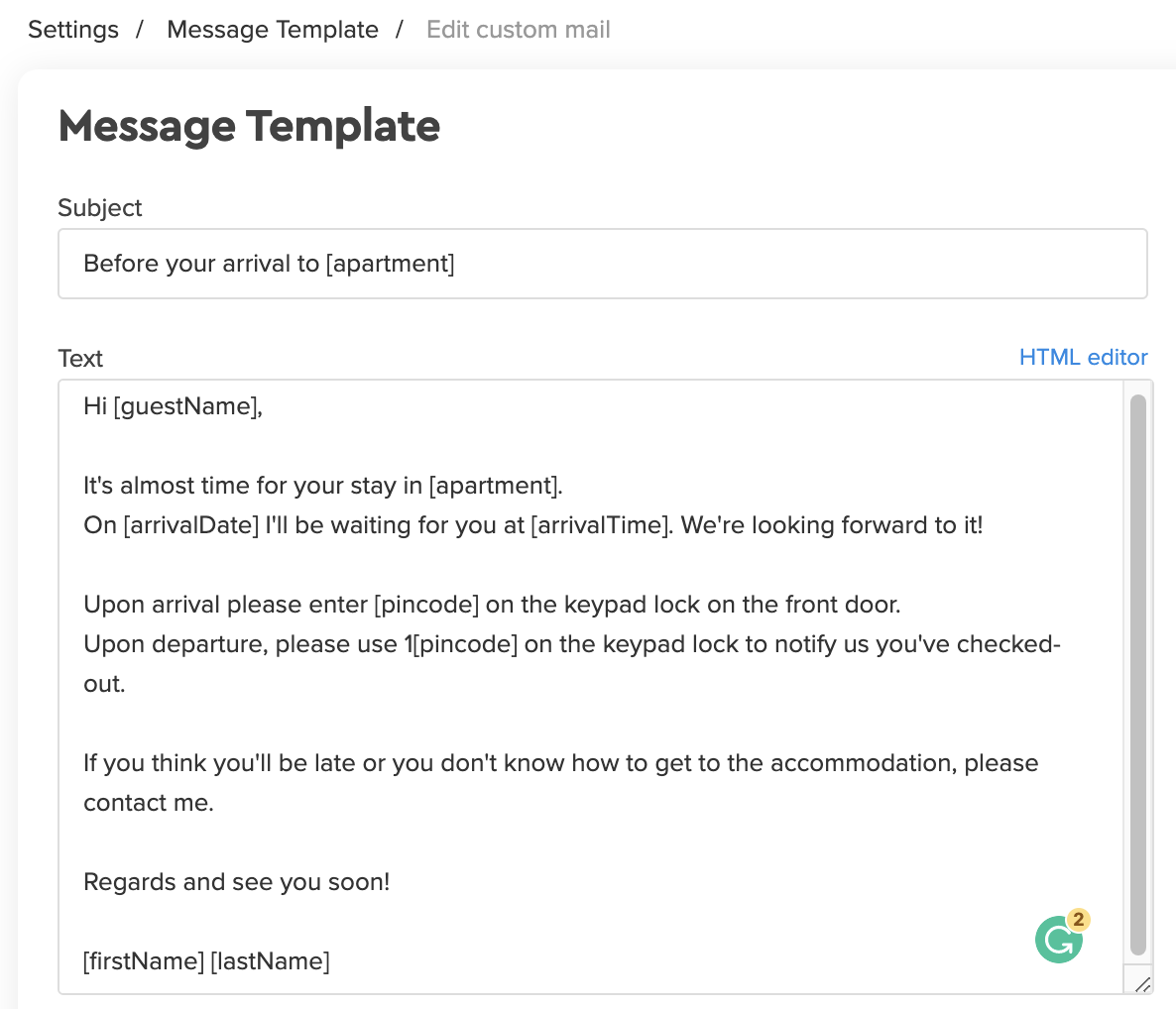
- In the body of the custom ‘Message’ field, please use the variables [pincode] and 1[pincode] to include Operto codes in your message. These are your check-in and check-out codes respectively.
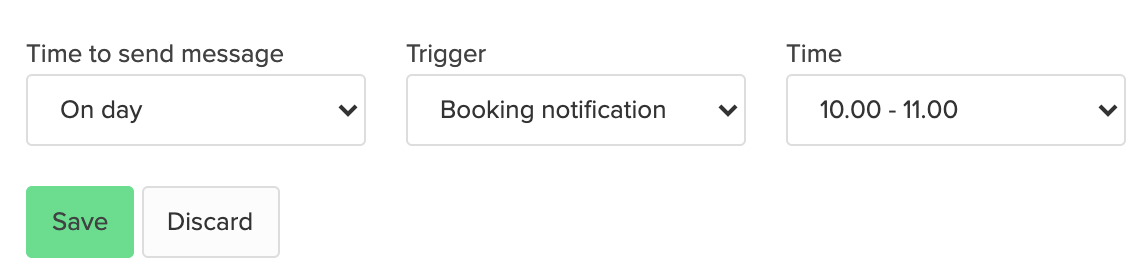
- You'll also want to ensure you have one or two messages scheduled. We suggest the following schedule:
- The first one will be 1 day after booking notification
- The second one will be 1 day before arrival
Please make sure not to schedule the message to go out right at reservation time as the Operto code would not yet be included in the message.