
How to Install your Ecobee Thermostat
2. When adding locations, be sure to mirror them with the same naming conventions as your property listing in your PMS.
3. You need to also rename the thermostats to be "property name xxx".
4. During setup, don't set any kind of schedules.
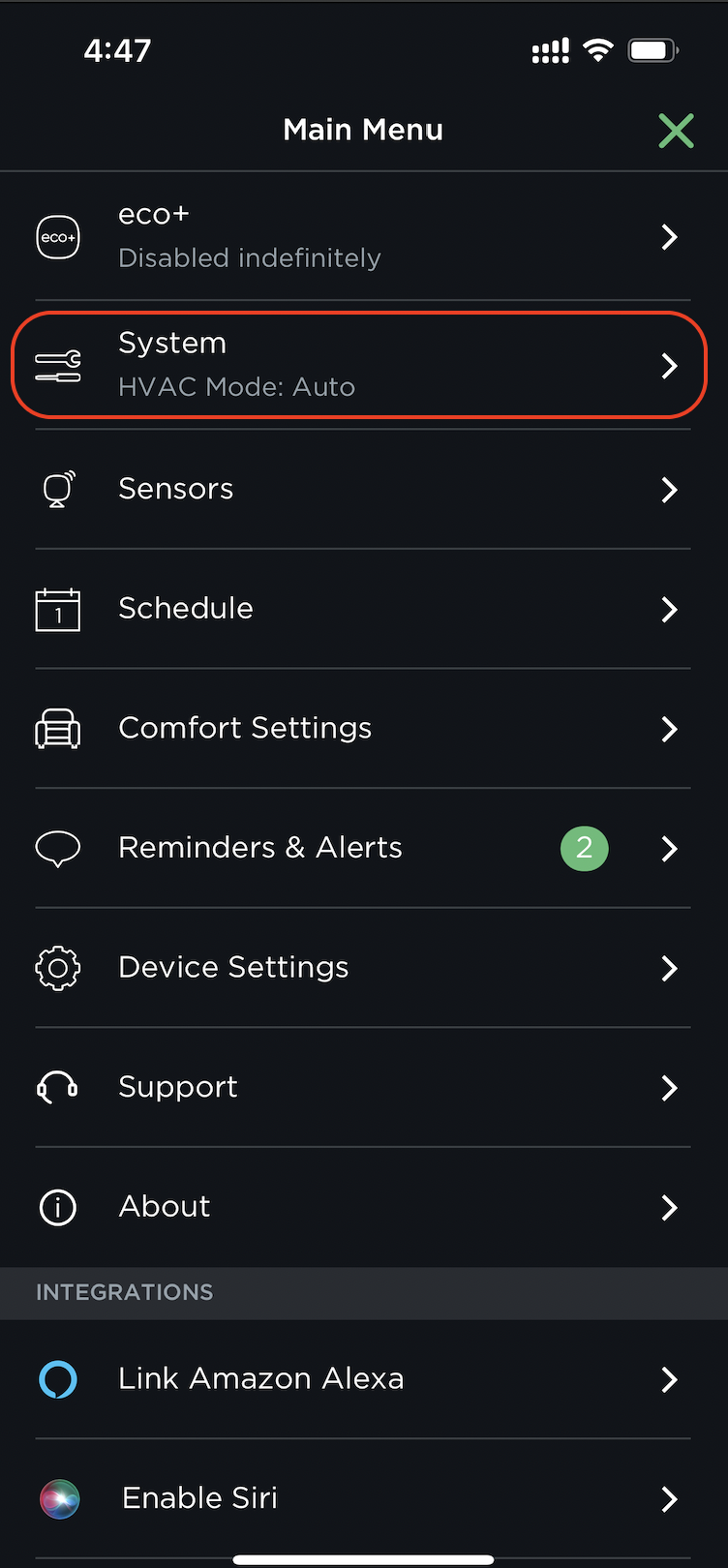
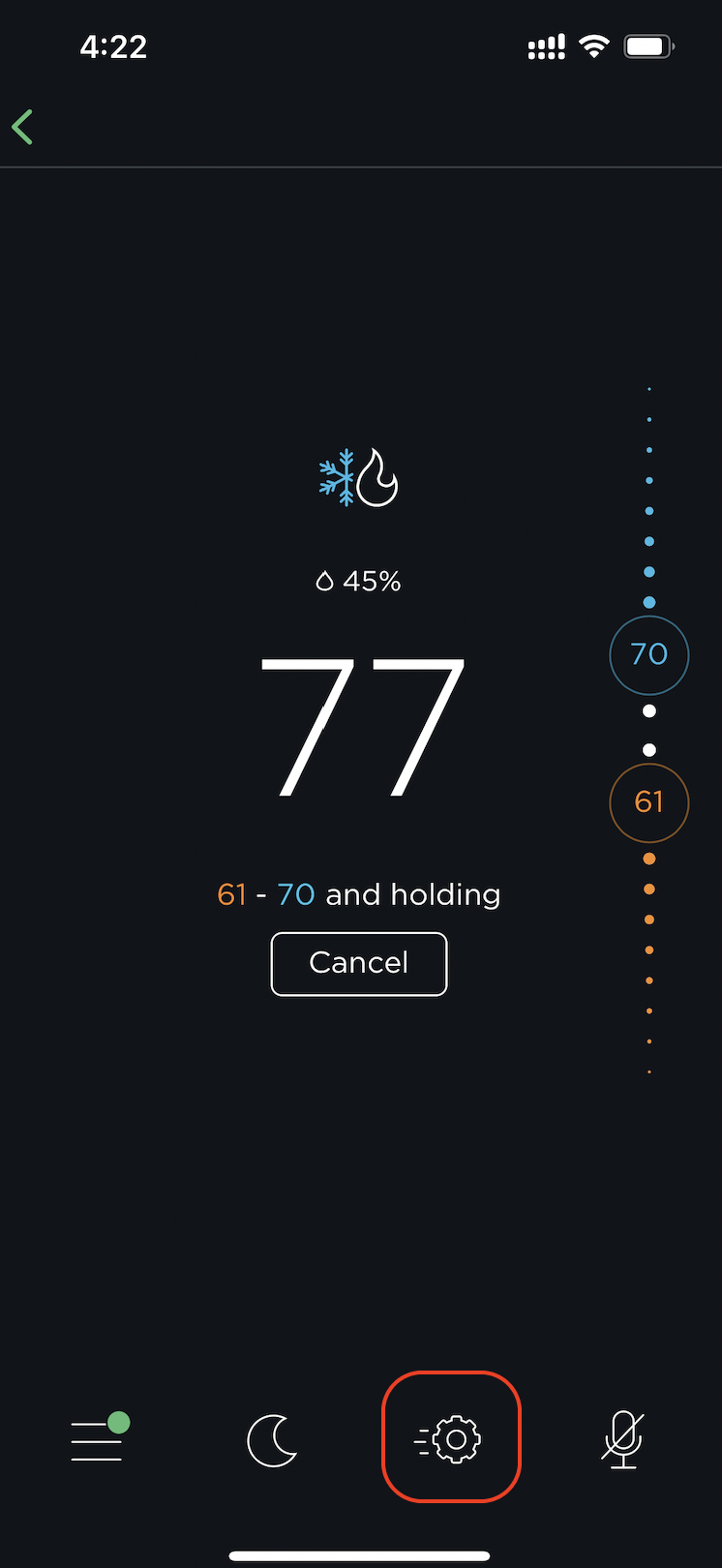
4. Once the thermostat is set up, ensure you have the following settings in the EcoBee app:
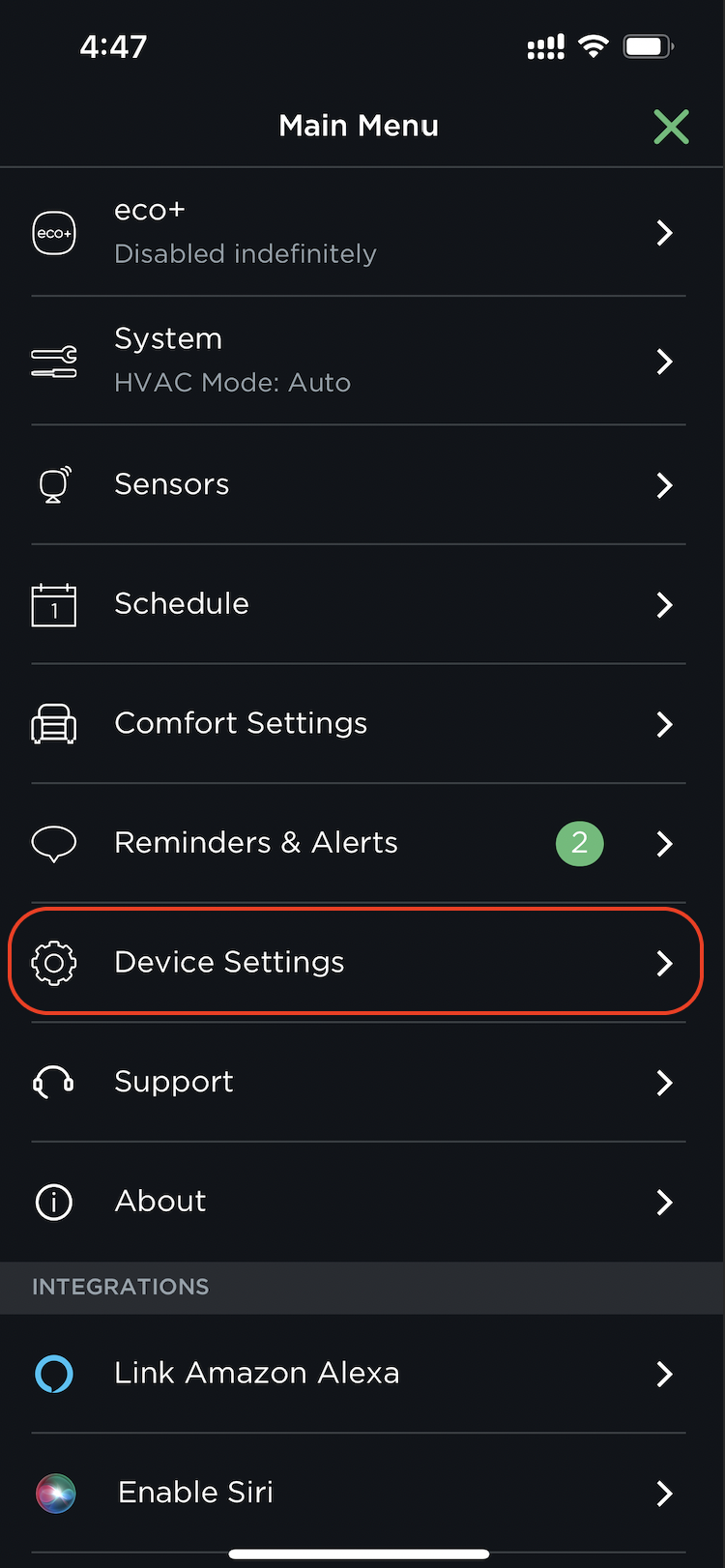
a. "System" is set to Auto mode
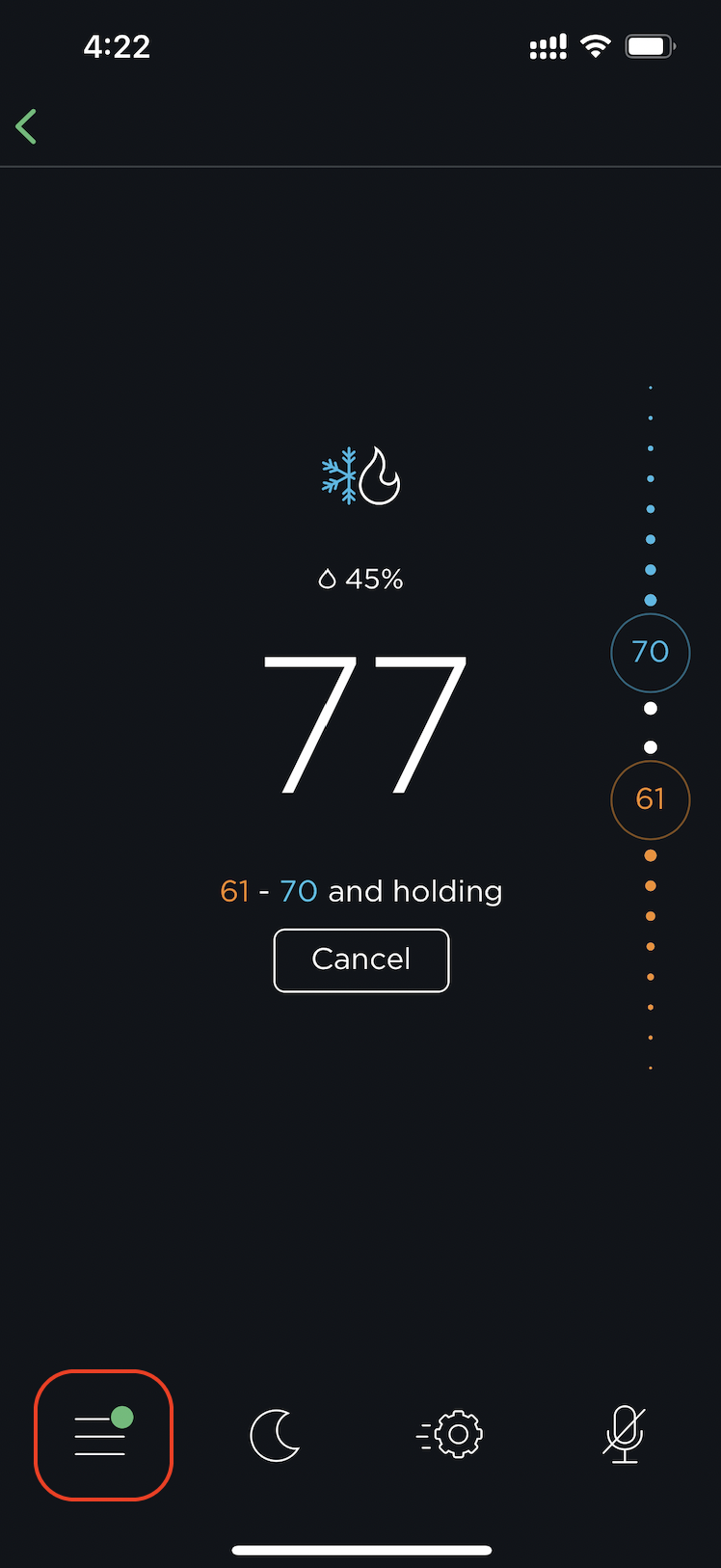
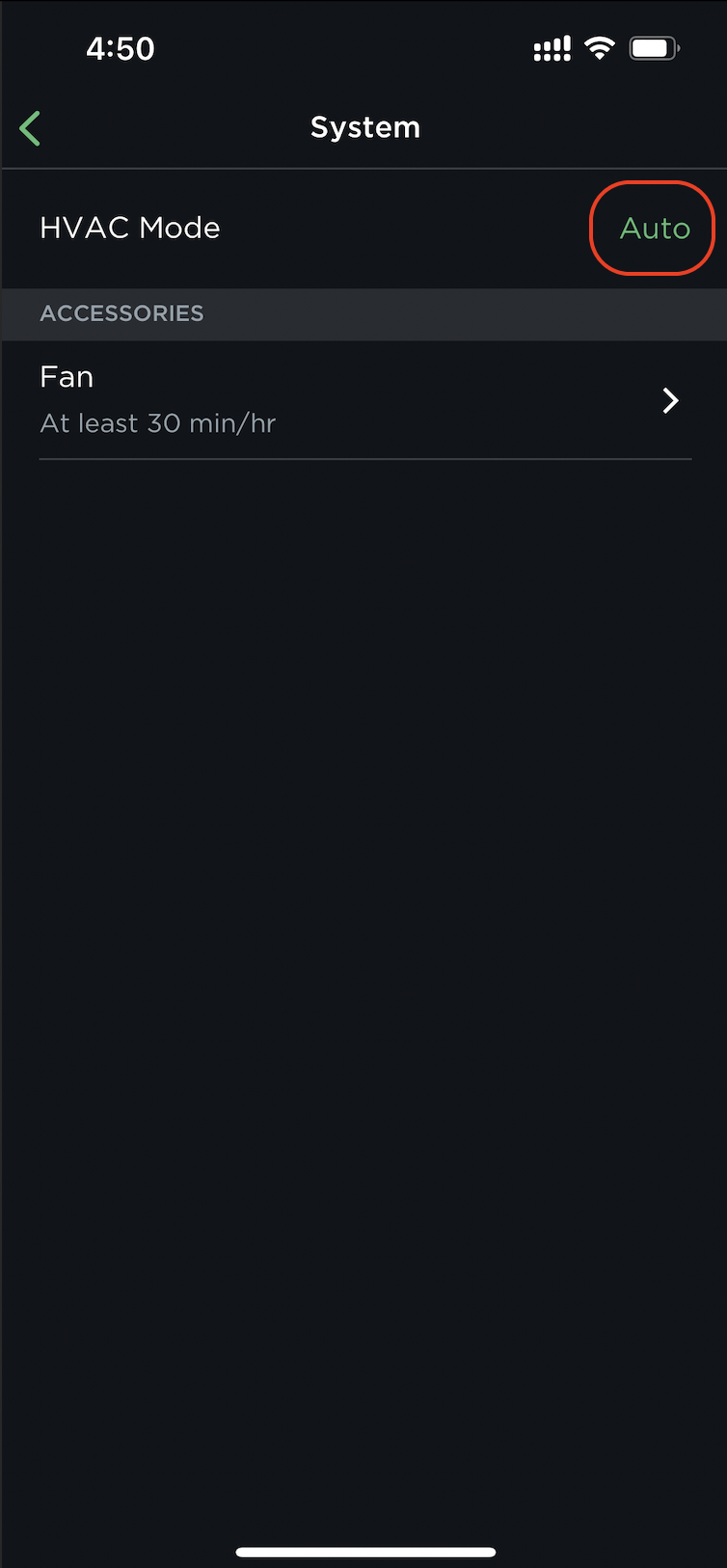
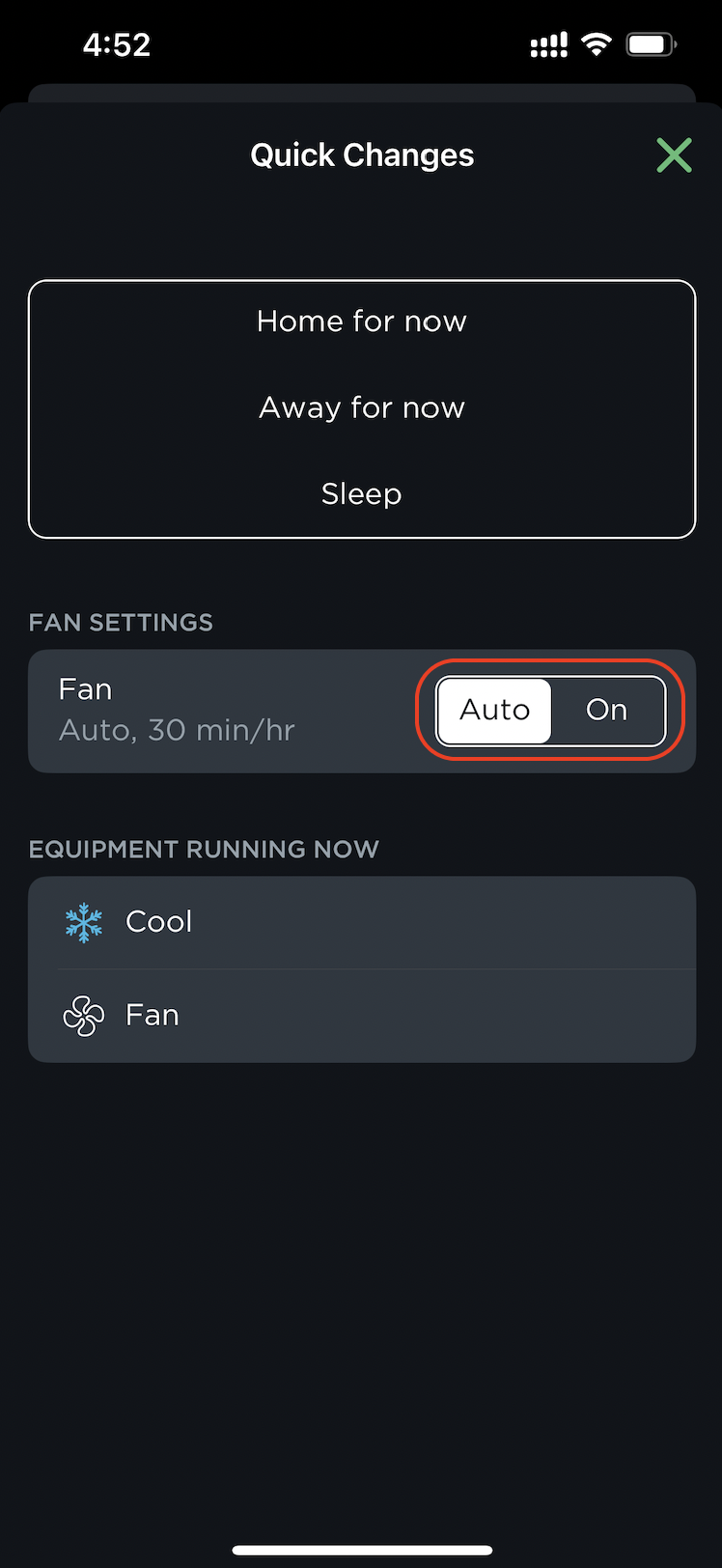
b. "Fan" is set to Auto mode
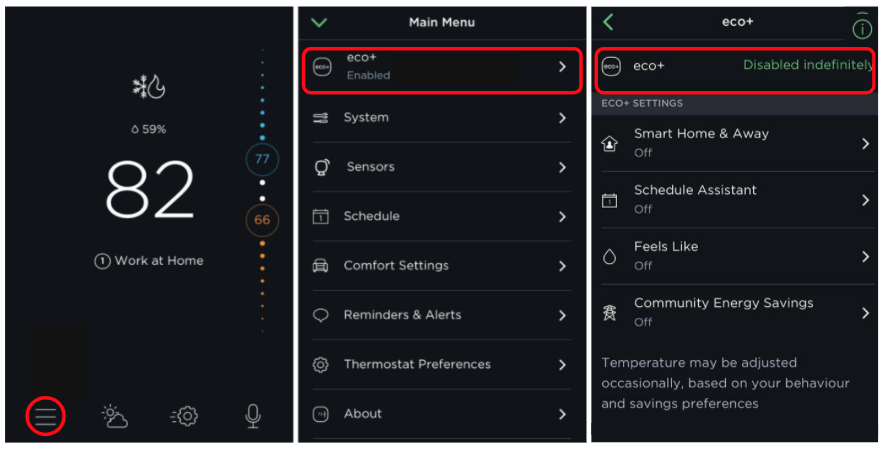
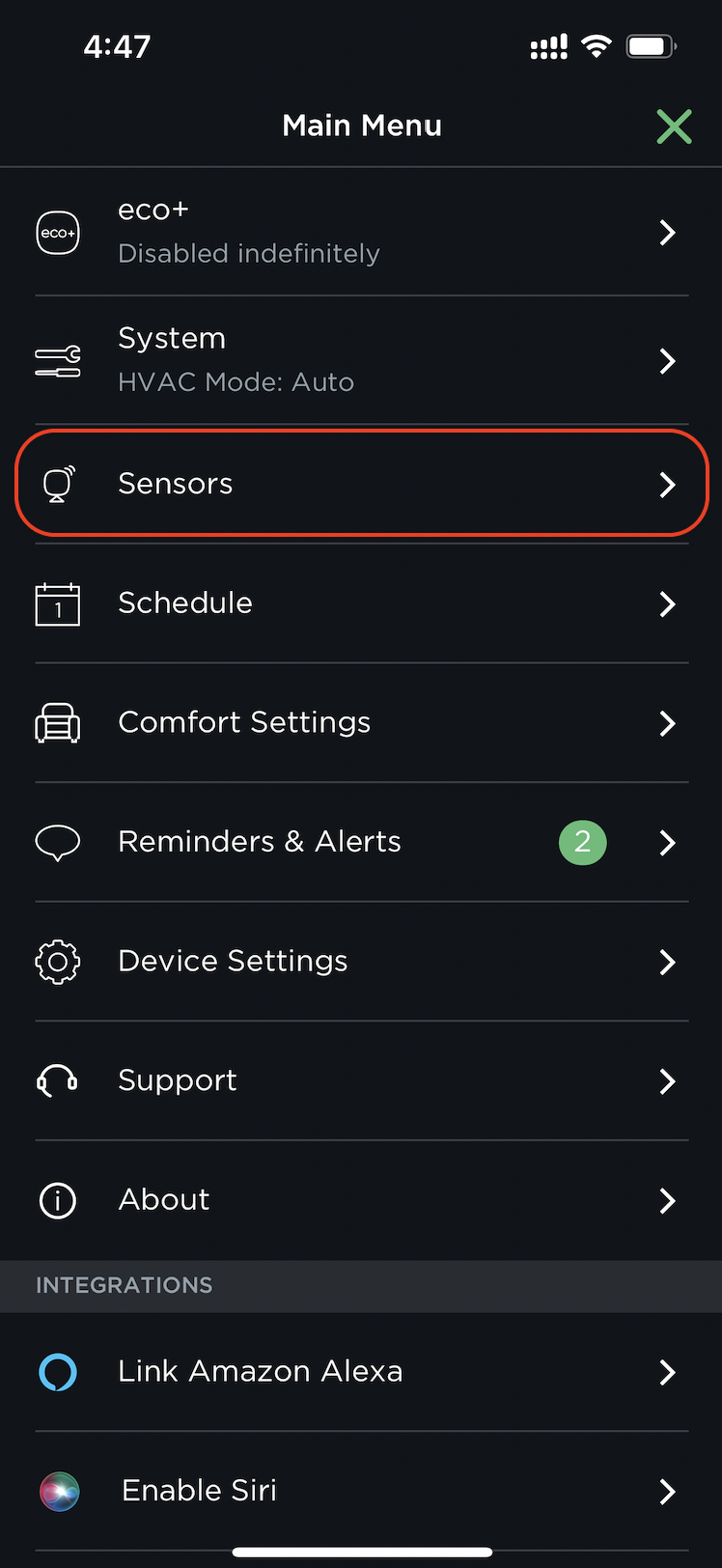
c. eco+ is disabled
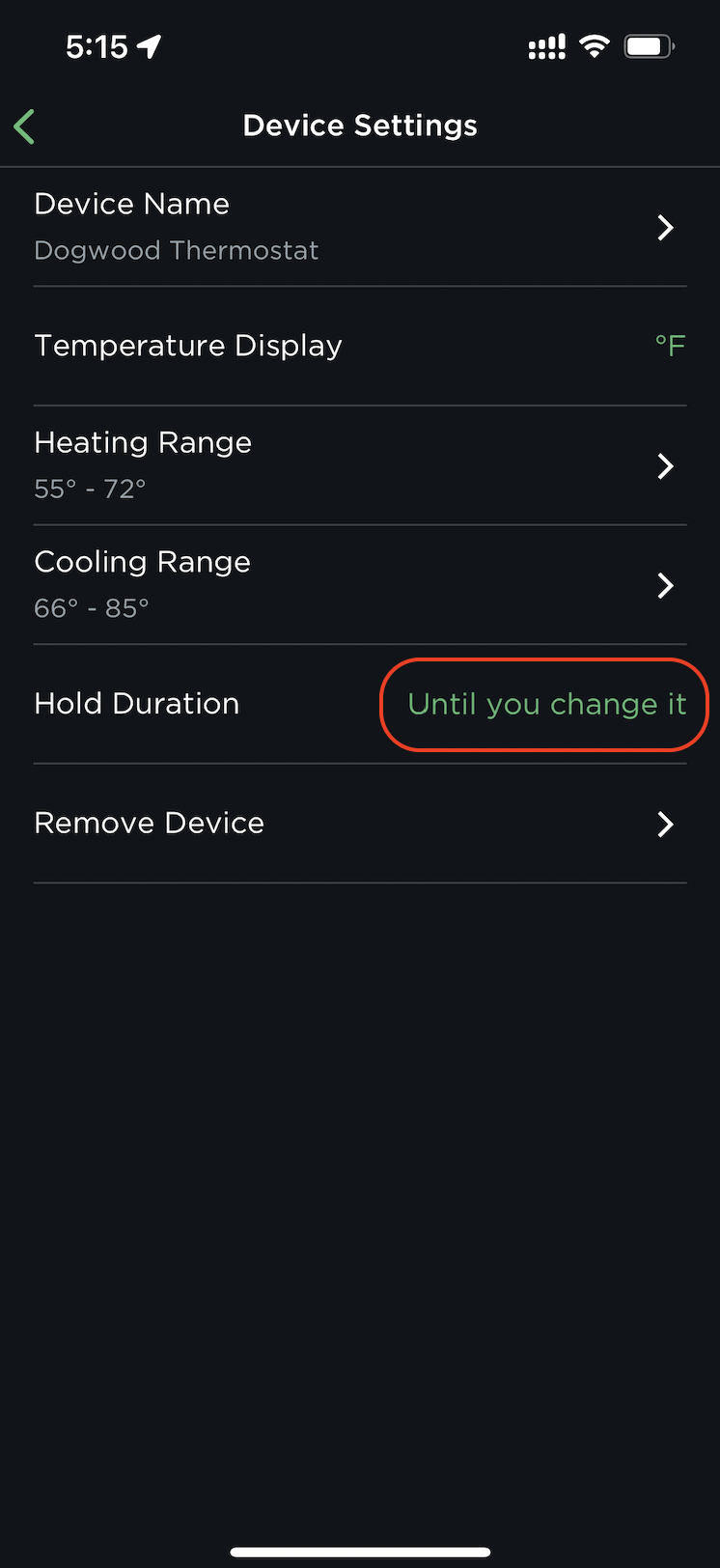
d. Hold Action is set it to "Until you change it".
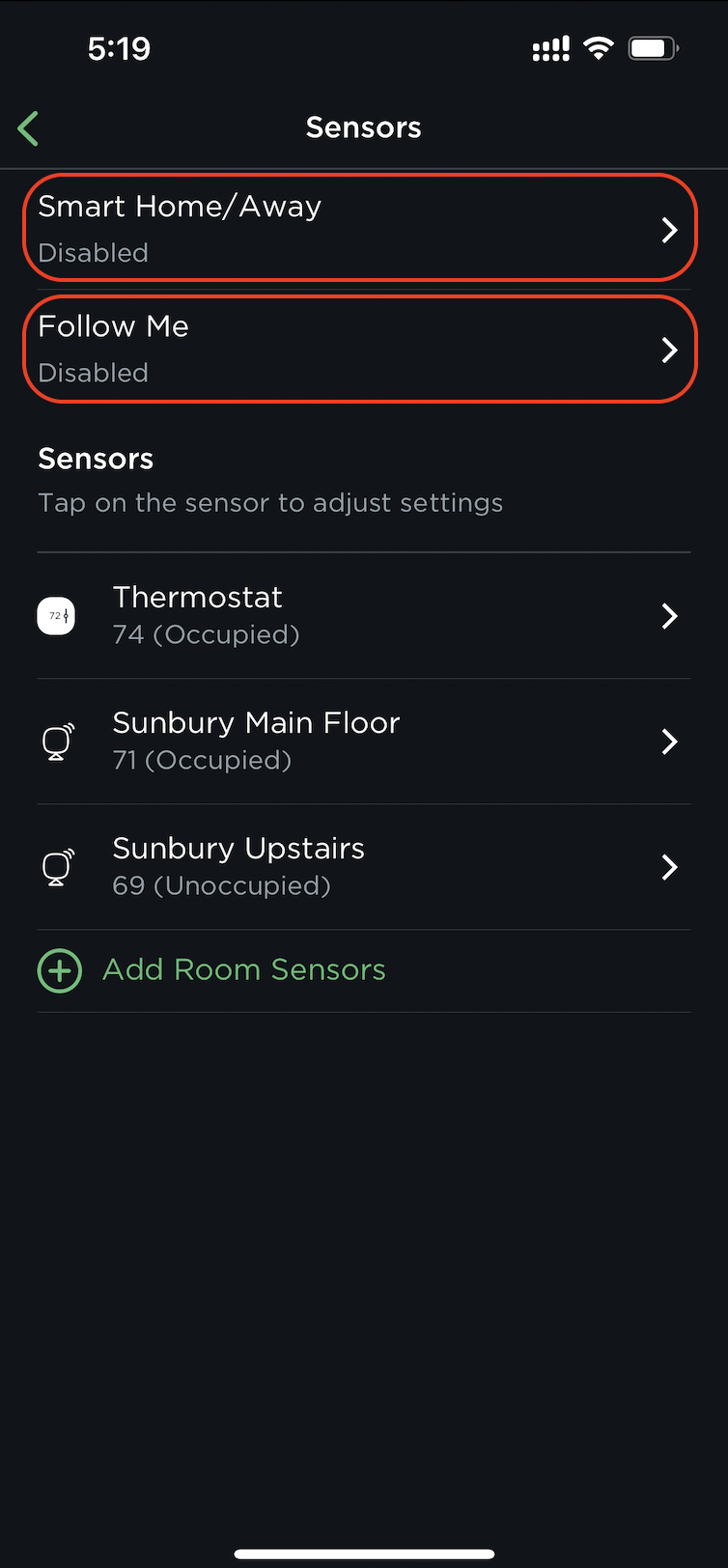
e. Smart Home/Away and Follow Me is disabled.
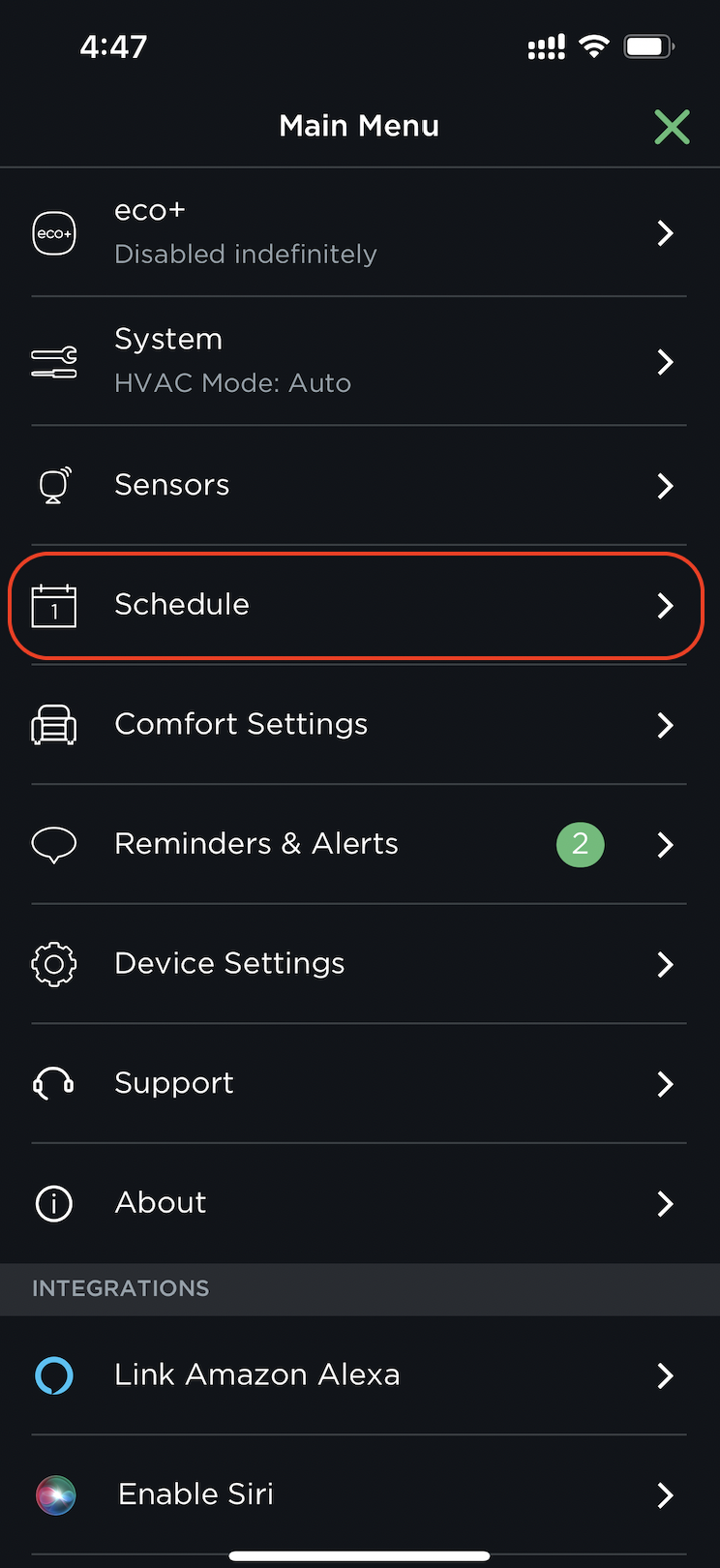
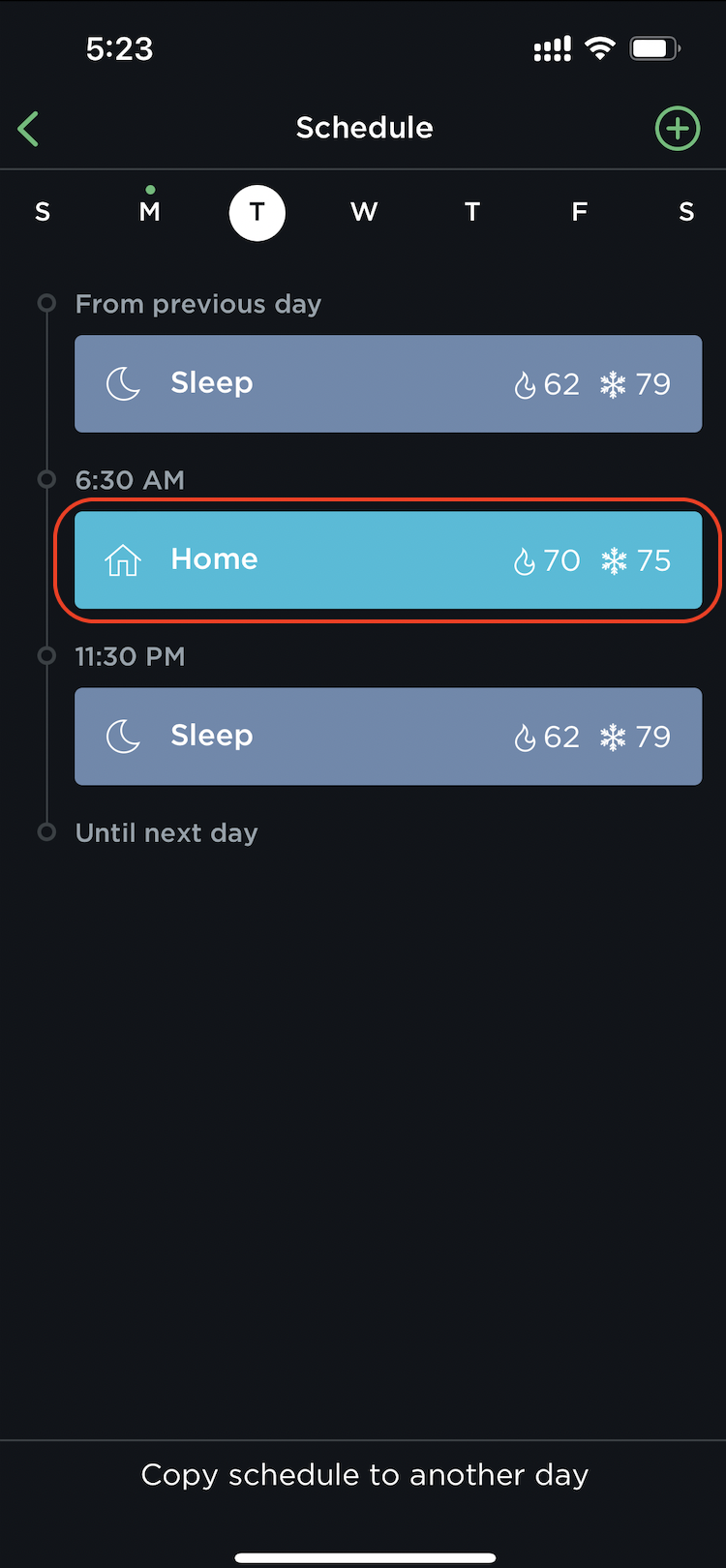
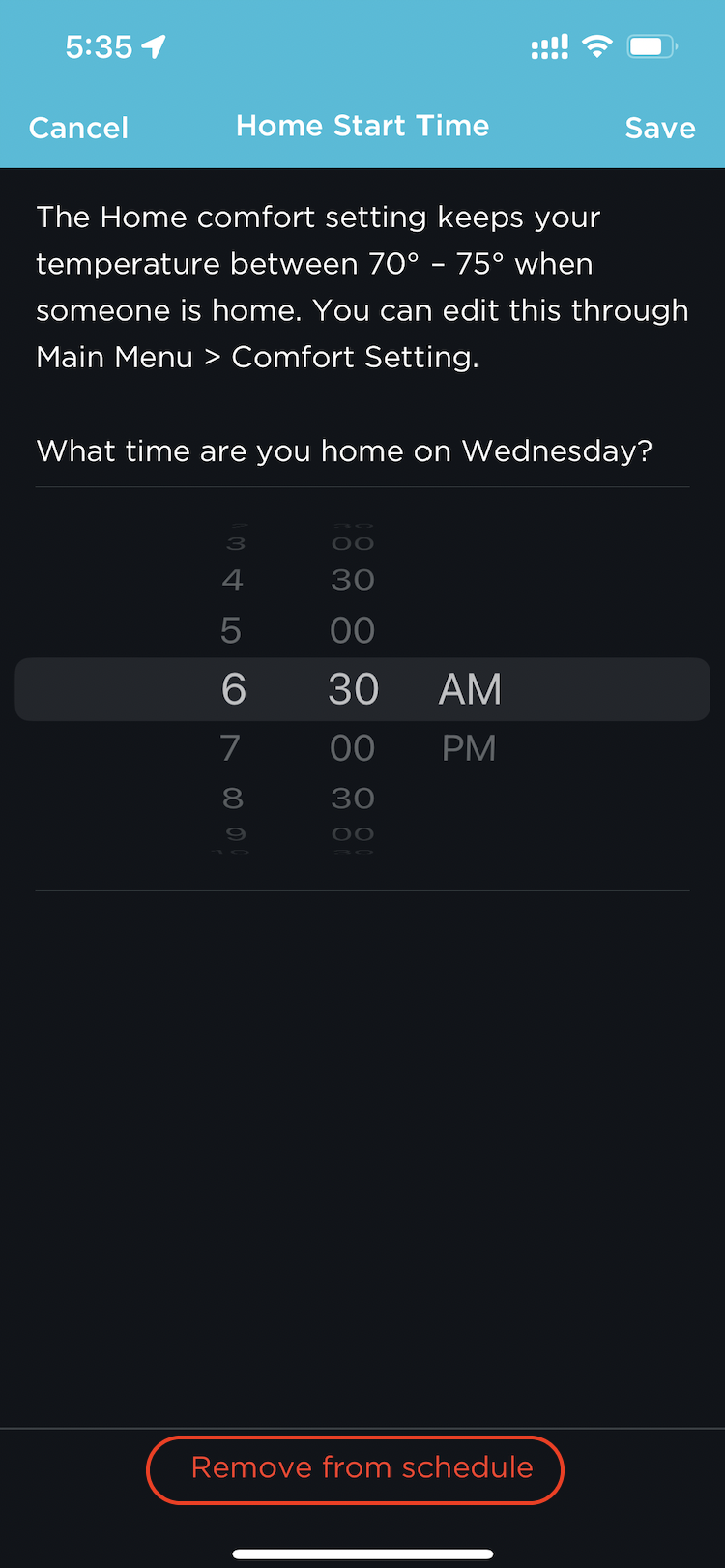
f. There are no Schedules set. If they are, delete them.
5. You are only able to install 20 locations per account. If you are installing more, you will need to create another account.
6. When you are ready, please email your Onboarding Specialist and share your log in credentials.