
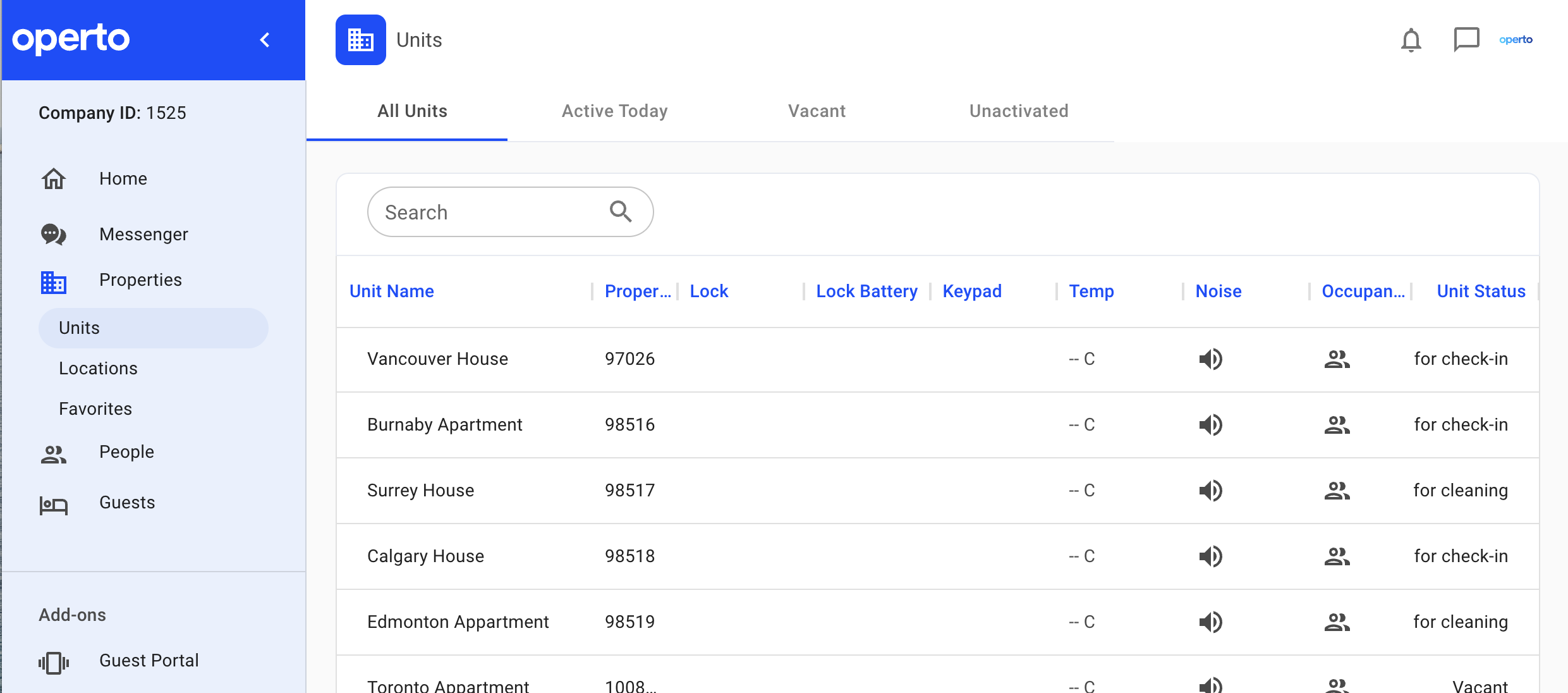
This view allows you to see all the properties in your portfolio.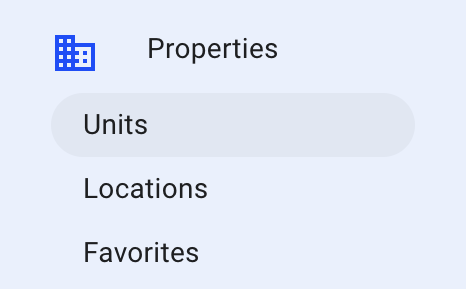
There is a bar at the top that allows you to toggle between “All Units”, “Active Today”, “Vacant” and “Unactivated”
How to add a property
You can add a new property by clicking on “Add New Service”.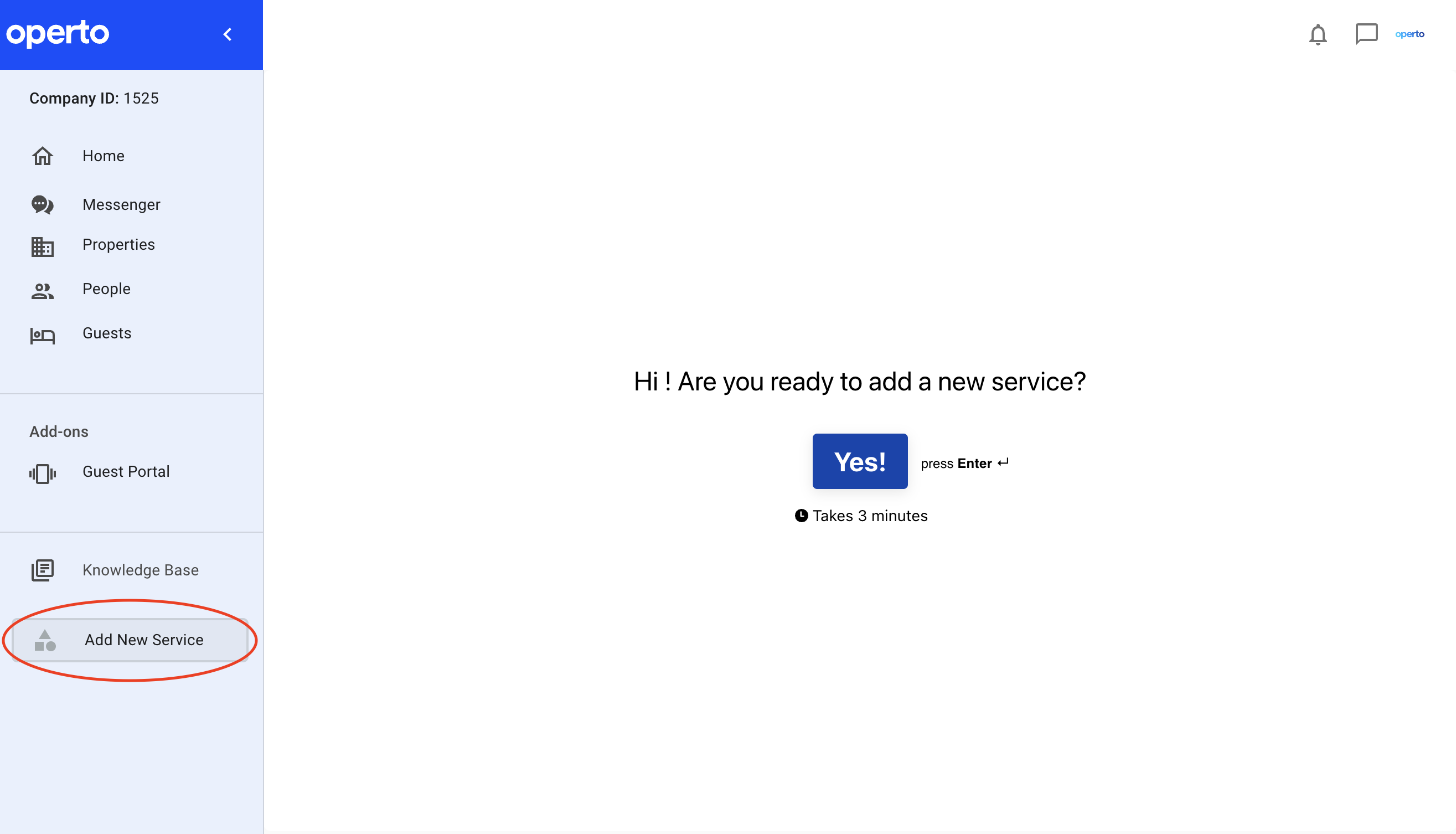
Terms Legend:
All Units: This is all the units that have been activated on an Operto plan
Active Today: These are units that have an upcoming reservation, are actively being cleaned or have another active unit status on the day you are viewing this tab.
Vacant: These are units that do not currently have a guest in them.
Unactivated: These are units that you’ve added either manually or through an API connection to your PMS but that do not currently have an Operto plan attached to them.
Address: This should be the physical address (along with the unit number) of your rented unit or property
Temp: This is the temperature at the address as measured by the Netatmo Healthy Home Coach
Noise: This is the noise level measured in decibels at the address as measured by the Netatmo Healthy Home Coach
Occupancy: This is the CO2 (carbon dioxide) levels at the address as measured by the Netatmo Healthy Home Coach.