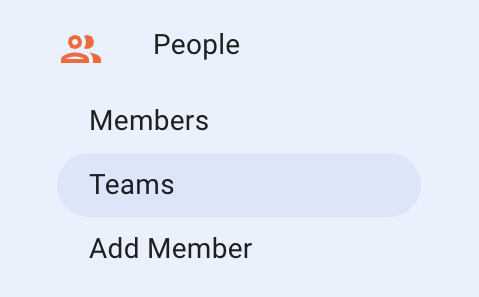
This tab is particularly helpful if you have a large portfolio of units spread across the country or a city. It is also helpful if you have single buildings where you want certain groups of people to only see the units in that building (like a hotel).
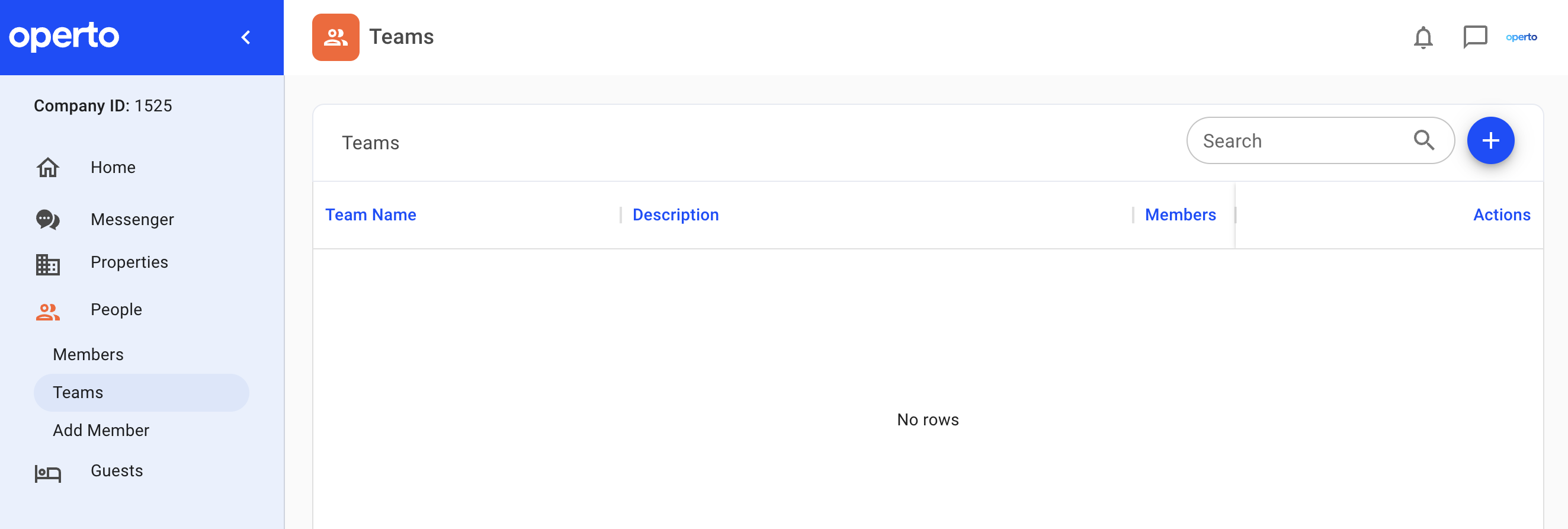
To start, click on the “+" button in the top right corner.
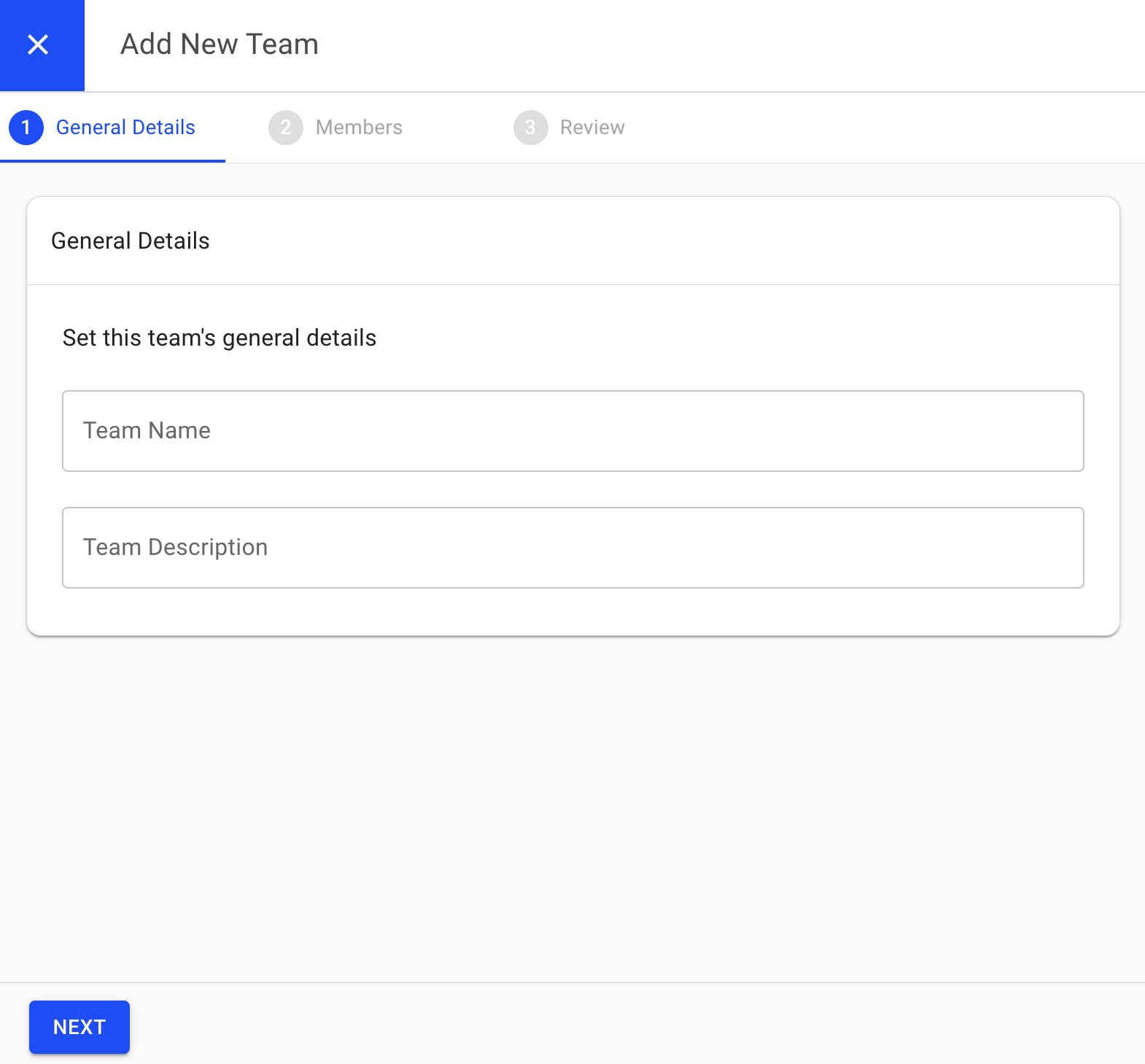
Enter in the name and description of your team. Click next.
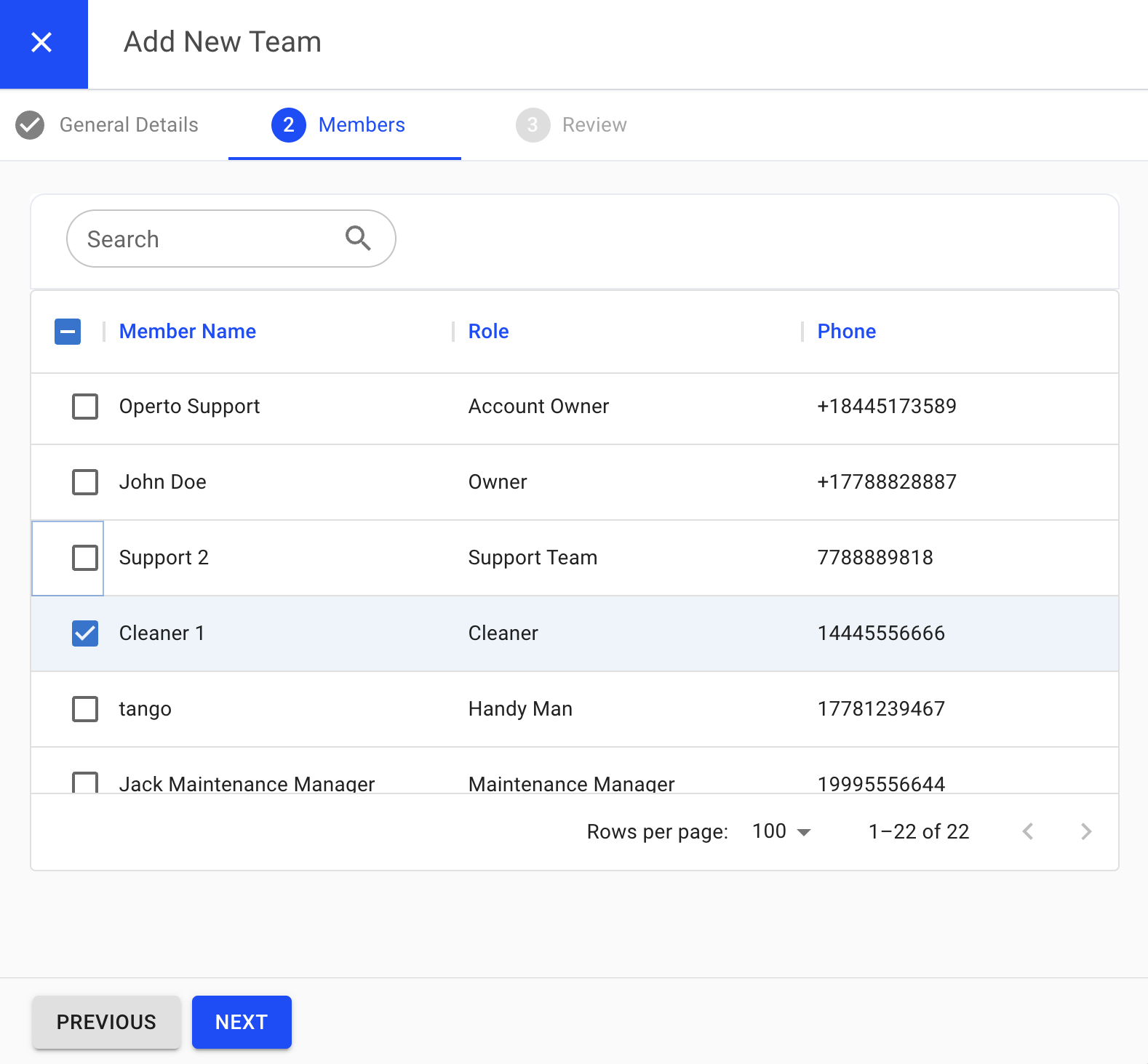
Then select the members you want to add to your team. Click next.