
Connecting Hostaway with Operto

Steps to Connect Hostaway with Operto
- Login to your Hostaway account.
- Navigate to the API page in your Hostaway account.
- Click 'Create' and input "Operto Support" in the Name field, then click 'Create' again.
- Copy the ‘Account ID’ and ‘API Key’ from Hostaway.
- Store your API key securely. If the key is lost, you will need to generate a new one and update it in Operto.
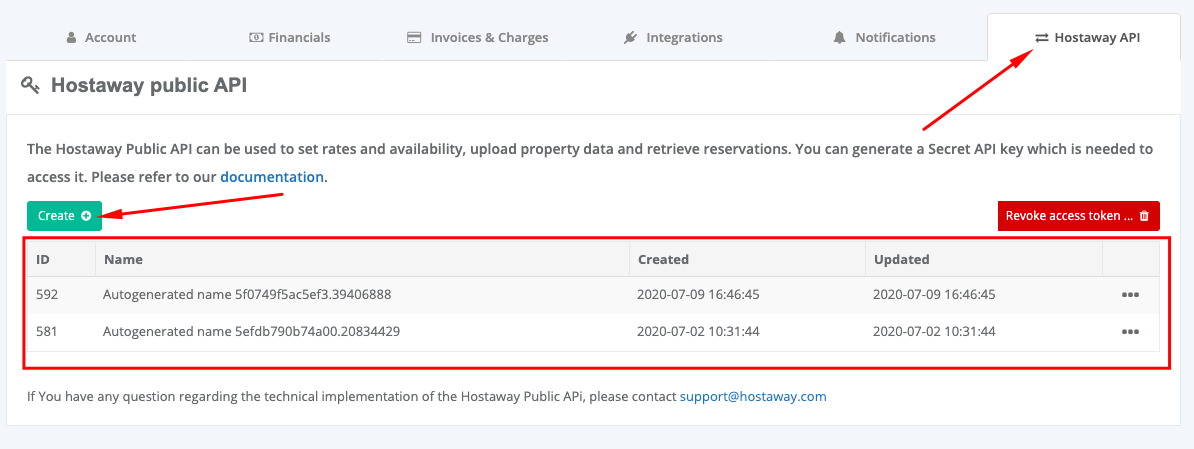
6. Go to Operto's Integration Page
7. Click on Connect next to Hostaway
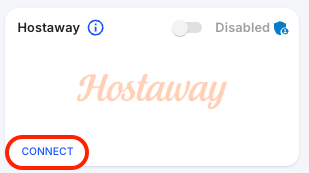
8. Paste your "Account ID’ and ‘API Key’ from Hostaway, and click Save
If you encounter any issues with generating an API key, refer to this Hostaway guide for further assistance.
Customizing Guest Messages to Include Access Codes
To automatically send access codes to your guests, configure your message settings in Hostaway as follows:
- Navigate to the Automations page in your Hostaway account.
- In the custom ‘Message’ field, include the following variables for the guest’s access codes:
- {{door_code}} for check-in codes
- Ensure at least 1 automated messages are scheduled:
- 1 hour after reservation creation with the "always trigger" option checked.