
Generate Guest Portal link for Reservations
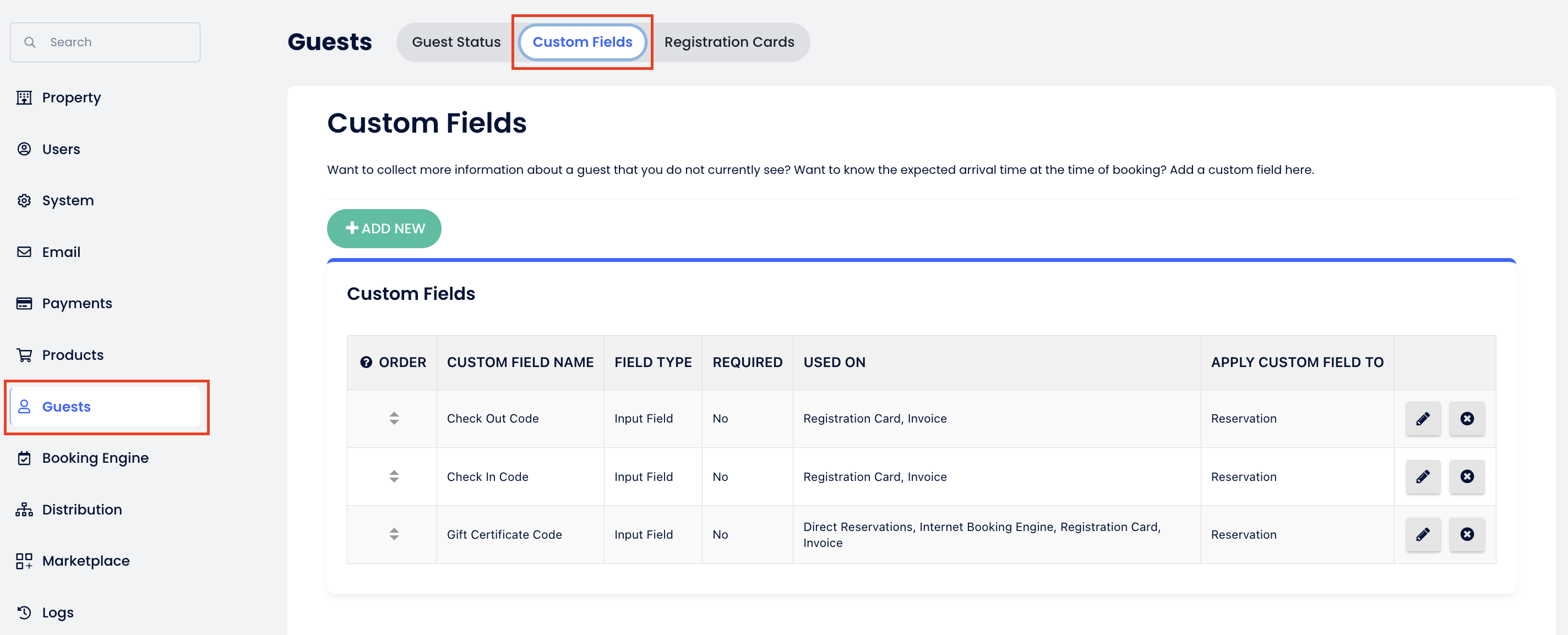
1. Go to Settings → Guests → Custom fields tab
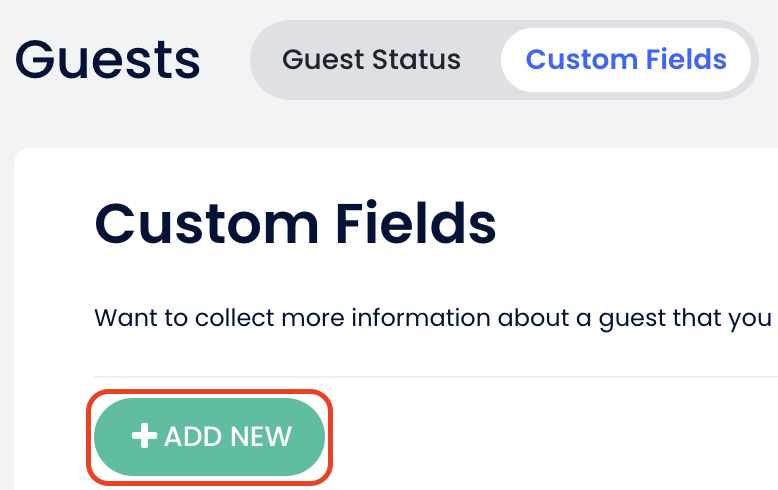
2. Click on the "Add New" button
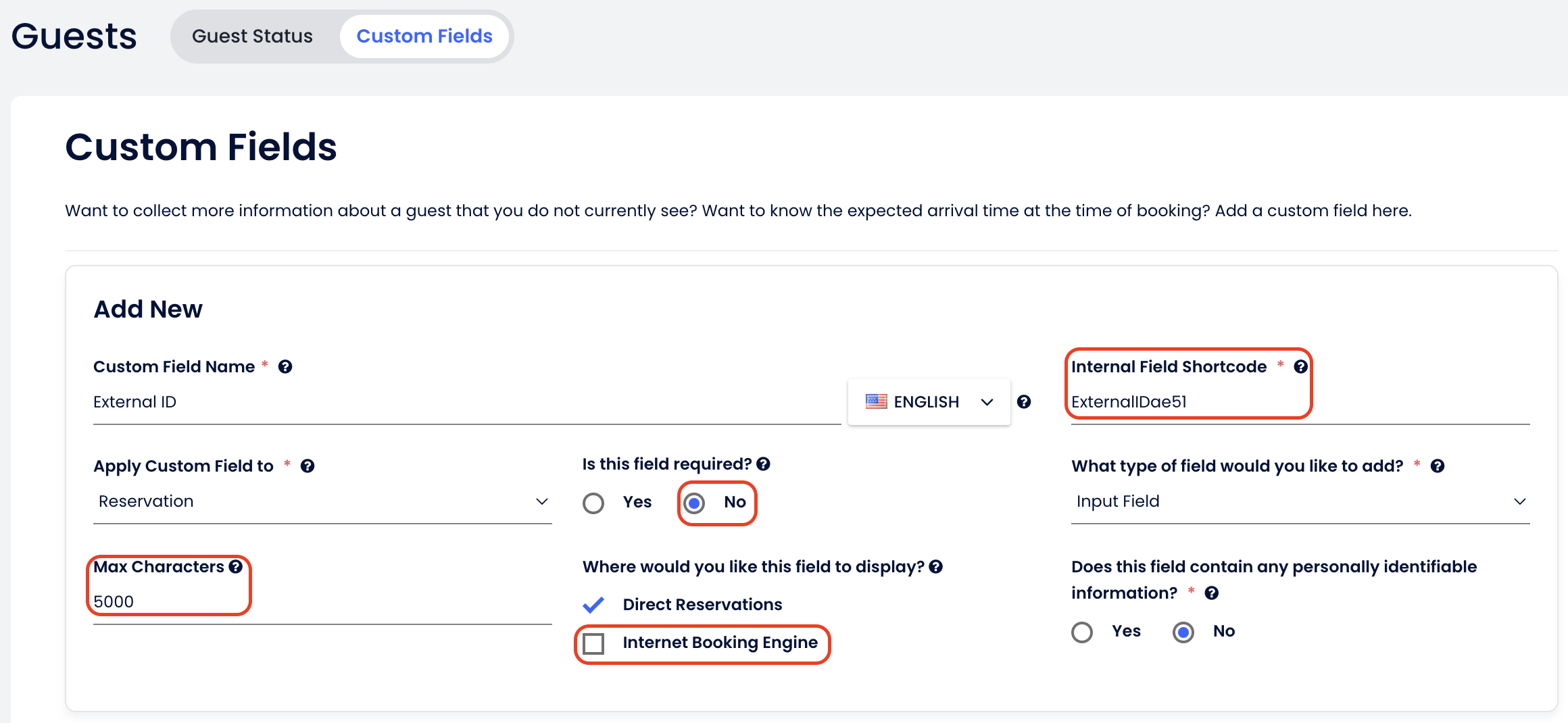
3. Name the variable: External ID and name the Internal Field Shortcode as: ExternalIDae51. Make sure you apply all the settings as shown below, and click on the "save" button when done.
- If you have subscribed to Guest Portal with Operto, please follow these instructions to add the custom variable to your Cloudbeds account for the Guest Portal link to populate for your reservations.
1. Go to Settings → Guests → Custom fields tab
2. Click on the "Add New" button
3. Name the variable: External ID and name the Internal Field Shortcode as: ExternalIDae51. Make sure you apply all the settings as shown below, and click on the "save" button when done.