Before proceeding with the Onboarding steps, please make sure the latitude and longitude fields are correctly filled in your Streamline account.
Steps to Integrate:
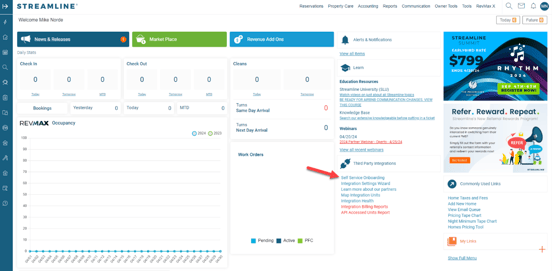
- Click on Self-Service Onboarding.
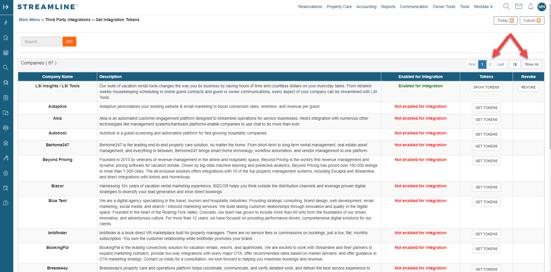
- Click on page 2 or Show All to find Operto listed alphabetically.
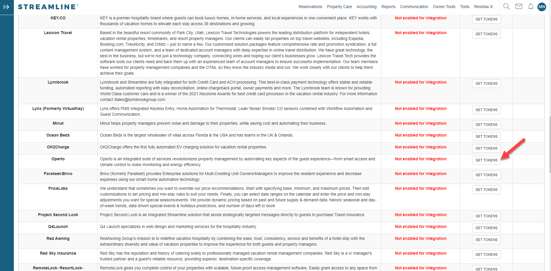
- Click GET TOKENS on the Operto row.
- Enter your password, select I Agree, and click Submit.
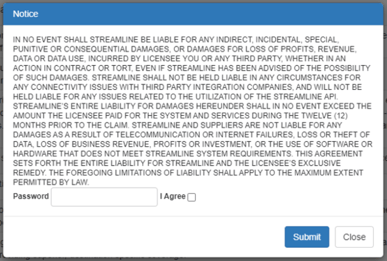
- Once completed, Operto will automatically receive the Integration request.
Set Up Guest Messaging with the Operto Code on Streamline:
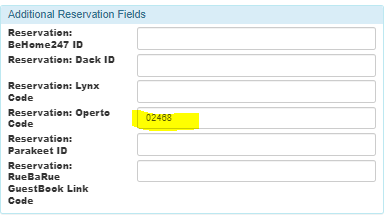
- Streamline has its own Guest Messaging tool that you can use to communicate with your guests. To include the Operto code in the message, please include this variable in your message template: {reservation_additional.operto_code}
- Make sure to schedule the message with the Operto code to go out at least 30 minutes after the reservation is confirmed and assigned to a room. This would ensure Operto and Streamline have enough time to exchange the reservation details and the associated access code.
The Operto code will show up in Streamline like this: