
After you've installed your smart lock to the door and have set-up the August/Yale wifi bridge, the last step is to share this lock with Operto. Please see the following steps to invite Operto as an owner:
- Tap on the "People icon" in the property view
- Tap 'Invite'
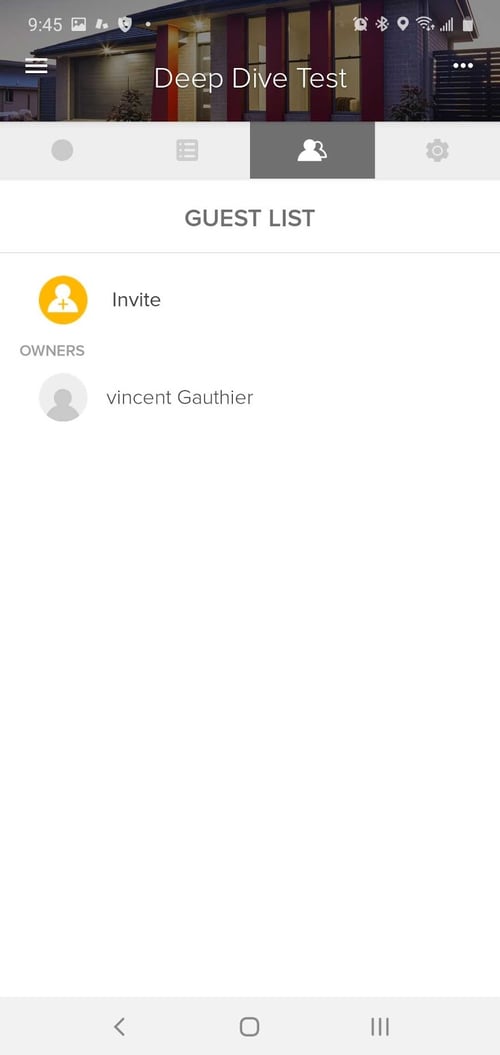
3. Invite with "Full Access" (Android) or "App Access" (Apple)
Android 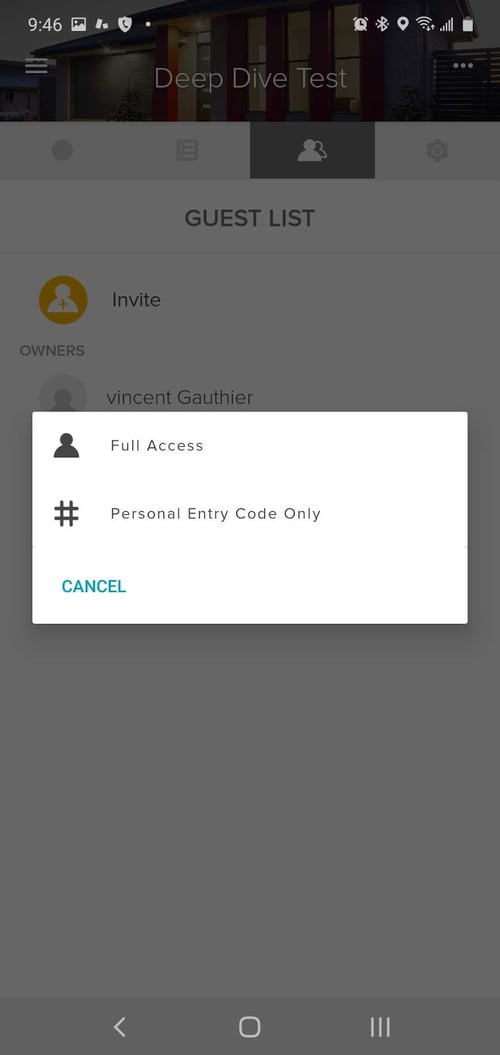
Apple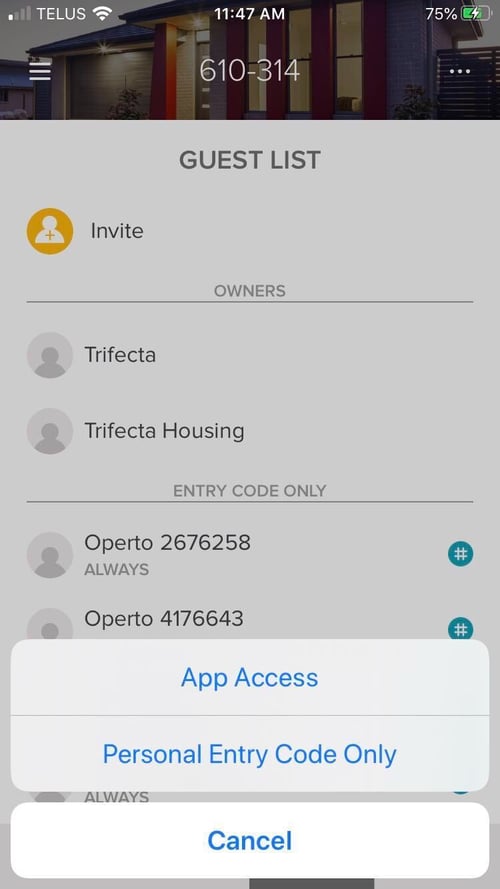
4. Invite via the mobile number that was given to you in your onboarding email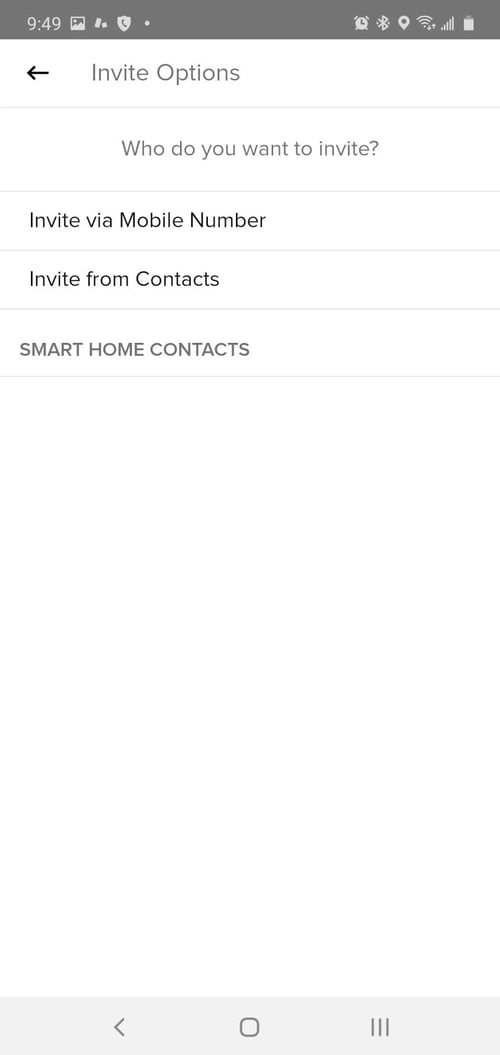
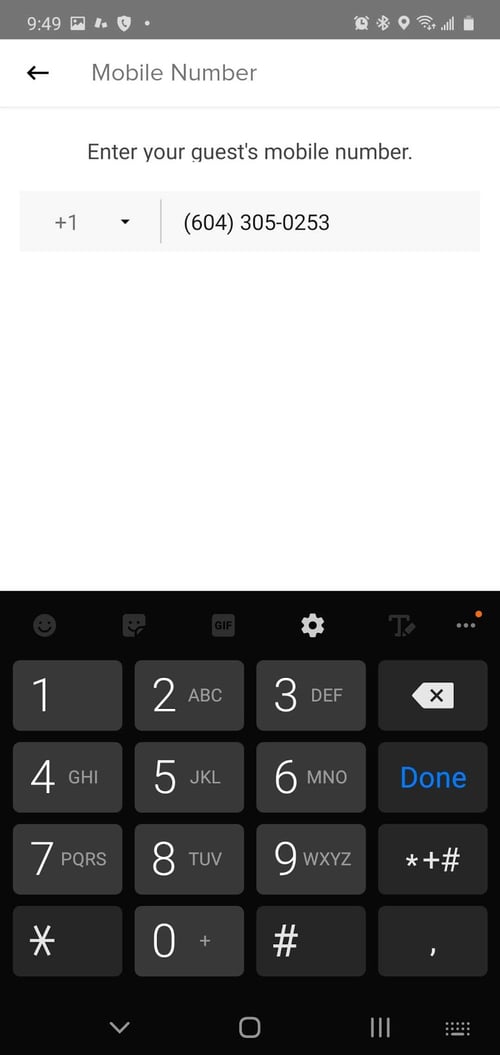
5. Enter "Operto" as the first name and "Support" as the last name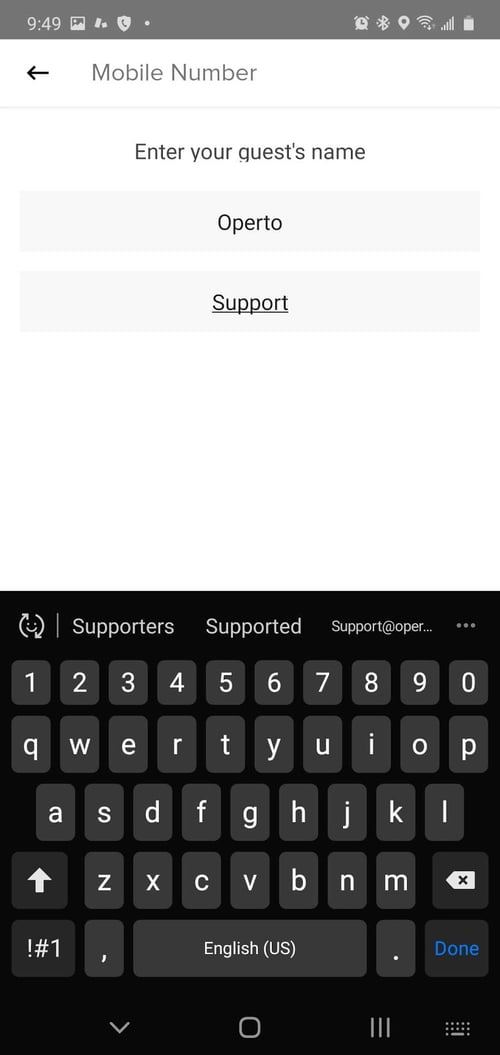
6. Grant this user 'Owner' access level and then Check Mark (Android) or Send Invite (Apple)
Android 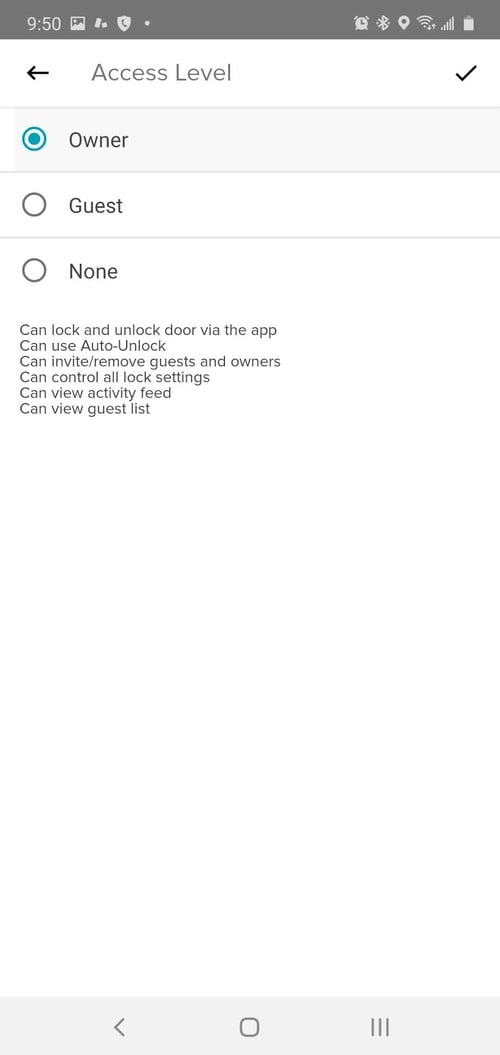
Apple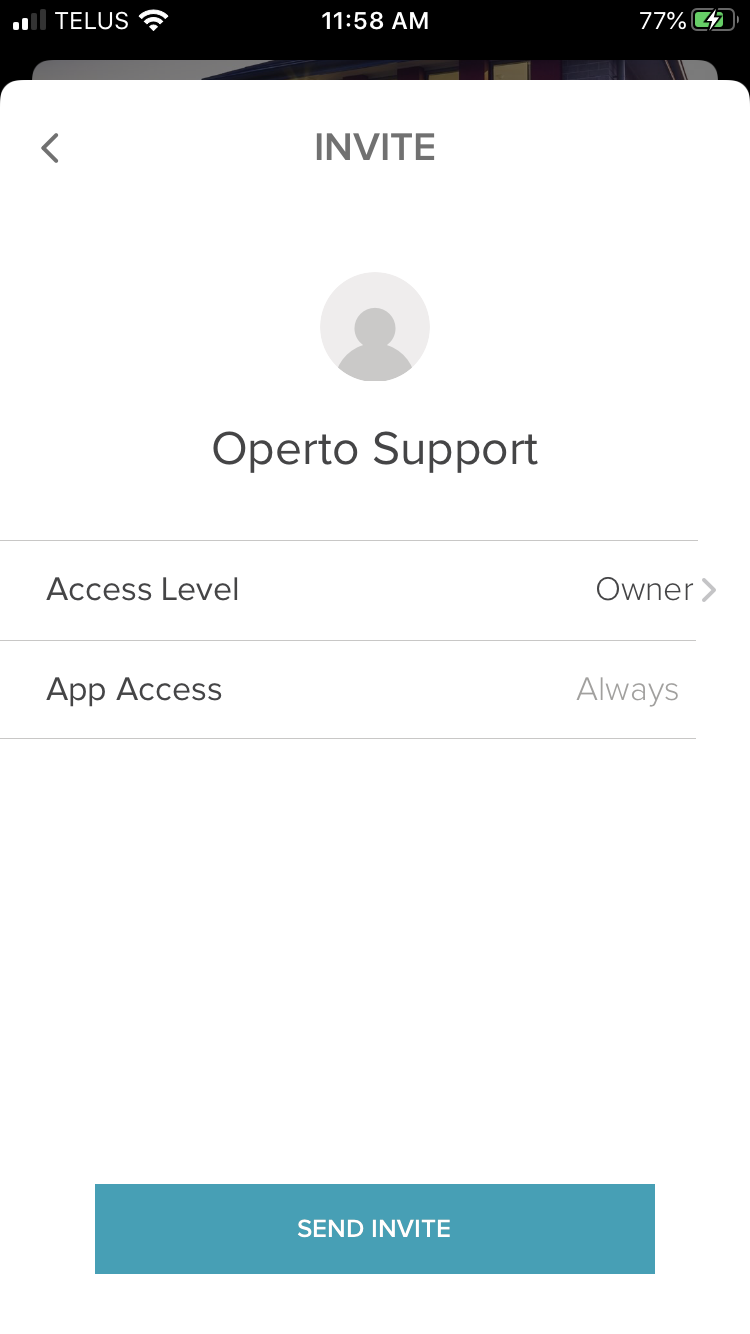
Repeat these steps for each house/location in order to share them with Operto so the locks can be activated on your Operto Manager Portal.
Reach out to us using the Help Center to let us know you've completed all of the steps above.