Please Note: When contacting Operto Support, have both your Company ID and Property ID number ready in order to help serve you more efficiently.
Company ID: Login to your dashboard and click on Account Settings.
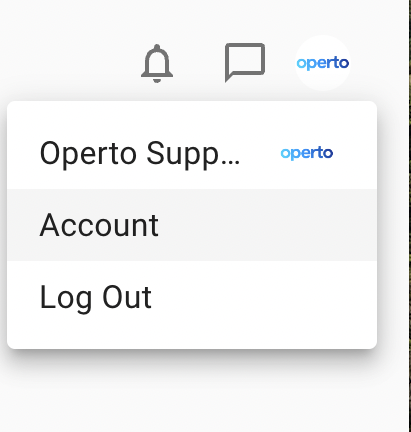
You will find your Company ID number at the top of the page as seen below.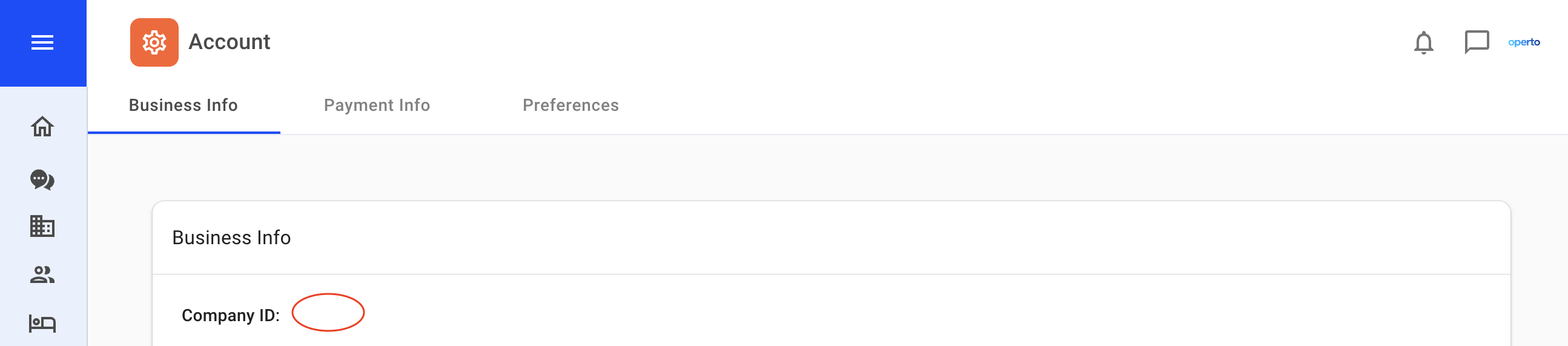
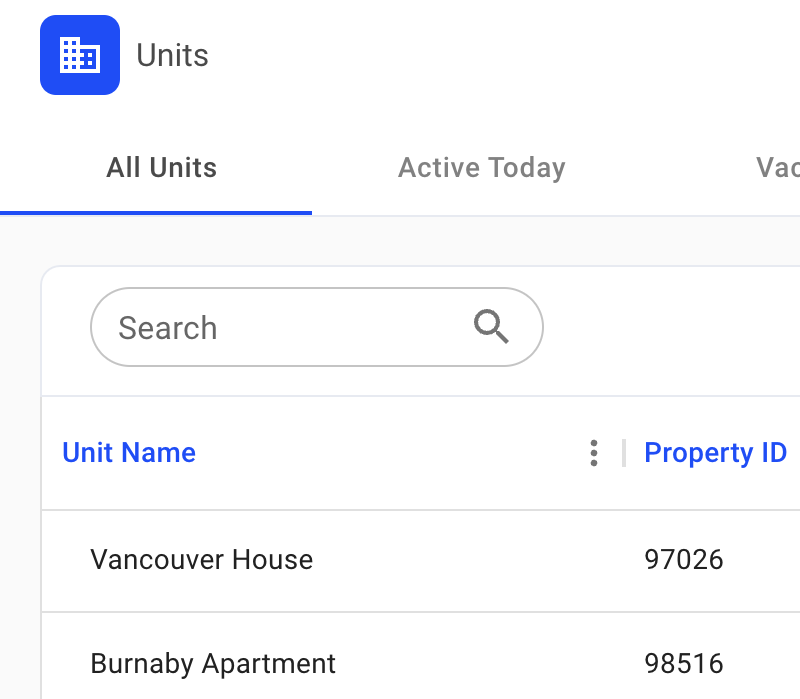
PROPERTY ID: Login to your dashboard and click on the Units Tab.
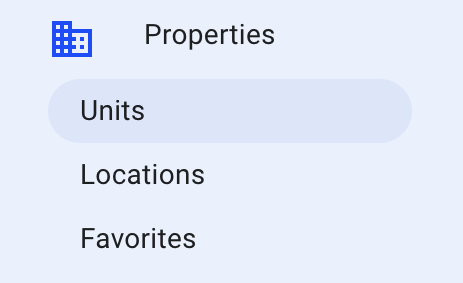
When you open the units tab, you'll see the Property ID number next to the unit name as seen below.