Operto Billing Portal
Operto customers can now view their invoice history, change their payment method, and update billing details all at one place. It's the new way to self-manage your billing.
- Go to the billing portal based on the currency you pay in.
- Enter your email address and click Submit.
- You will receive a direct link to log in to your billing portal.
- Click the link in the email to access your billing portal.
If you pay for Operto Access or Guest in any other currency, go to the Global billing portal.
If you pay for Operto Teams in any currency, go to the Teams billing portal.
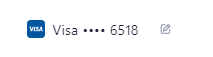
Once you are in the portal, you can change your payment method by clicking the 'Edit' icon next to the select payment method.
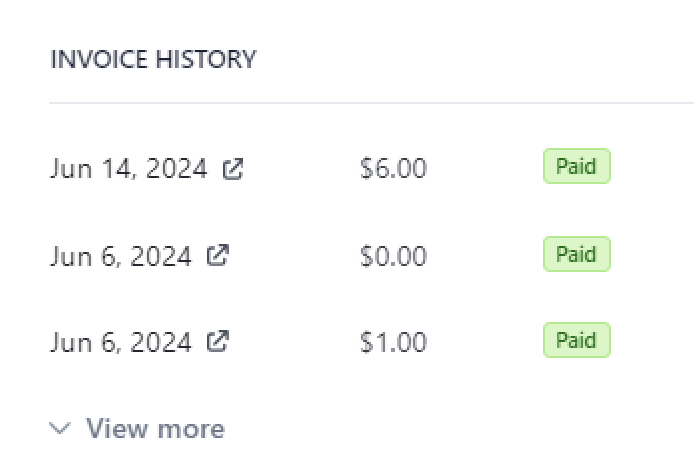
You can also view your Invoice history and download your invoices from the billing portal.